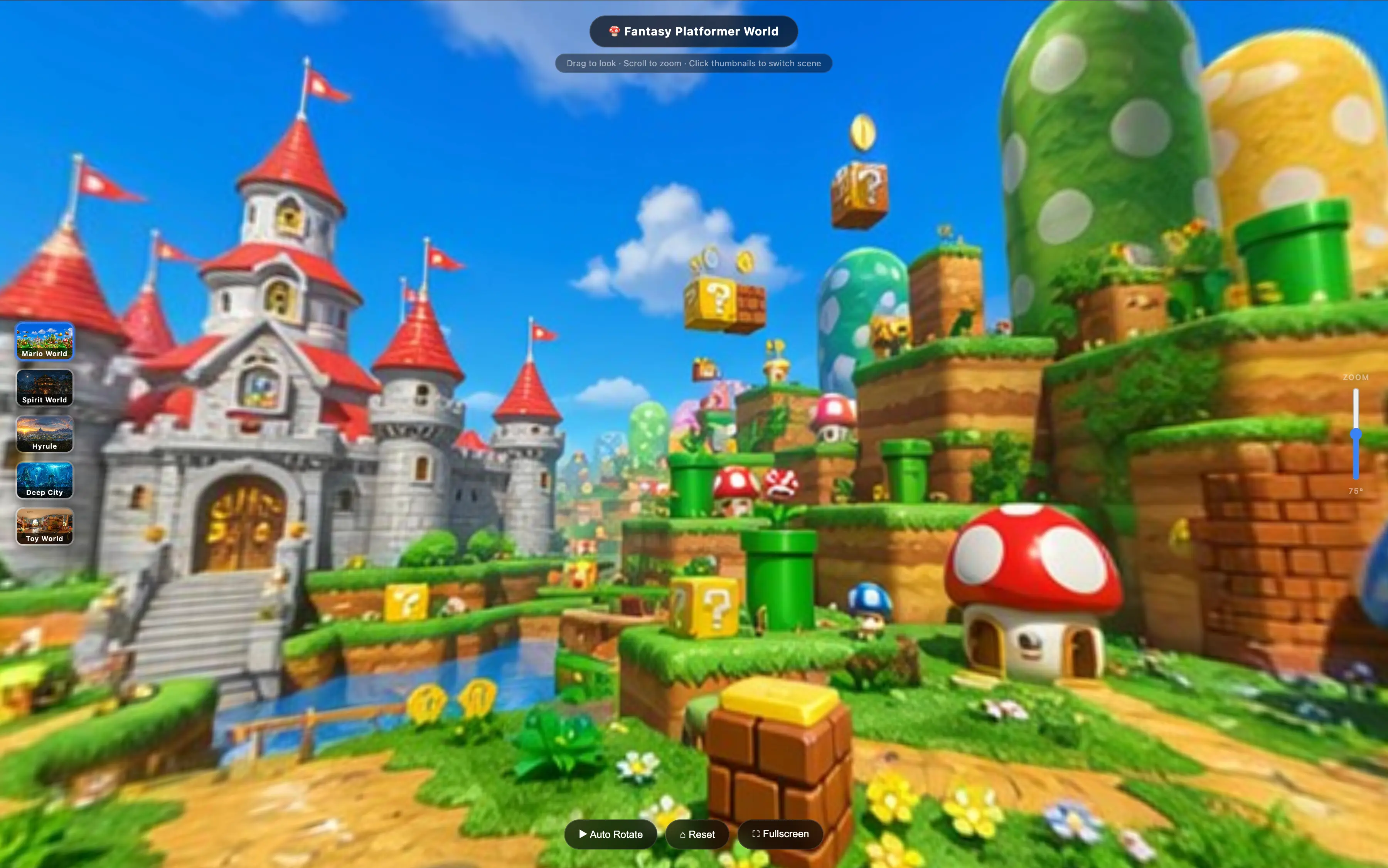
360 Panorama Generator
Generate stunning 360-degree panoramic images for virtual tours, game worlds, and immersive experiences
Try it now
Free AI tools built for creators, marketers, and builders. No setup required.
Generate stunning 360-degree panoramic images for virtual tours, game worlds, and immersive experiences
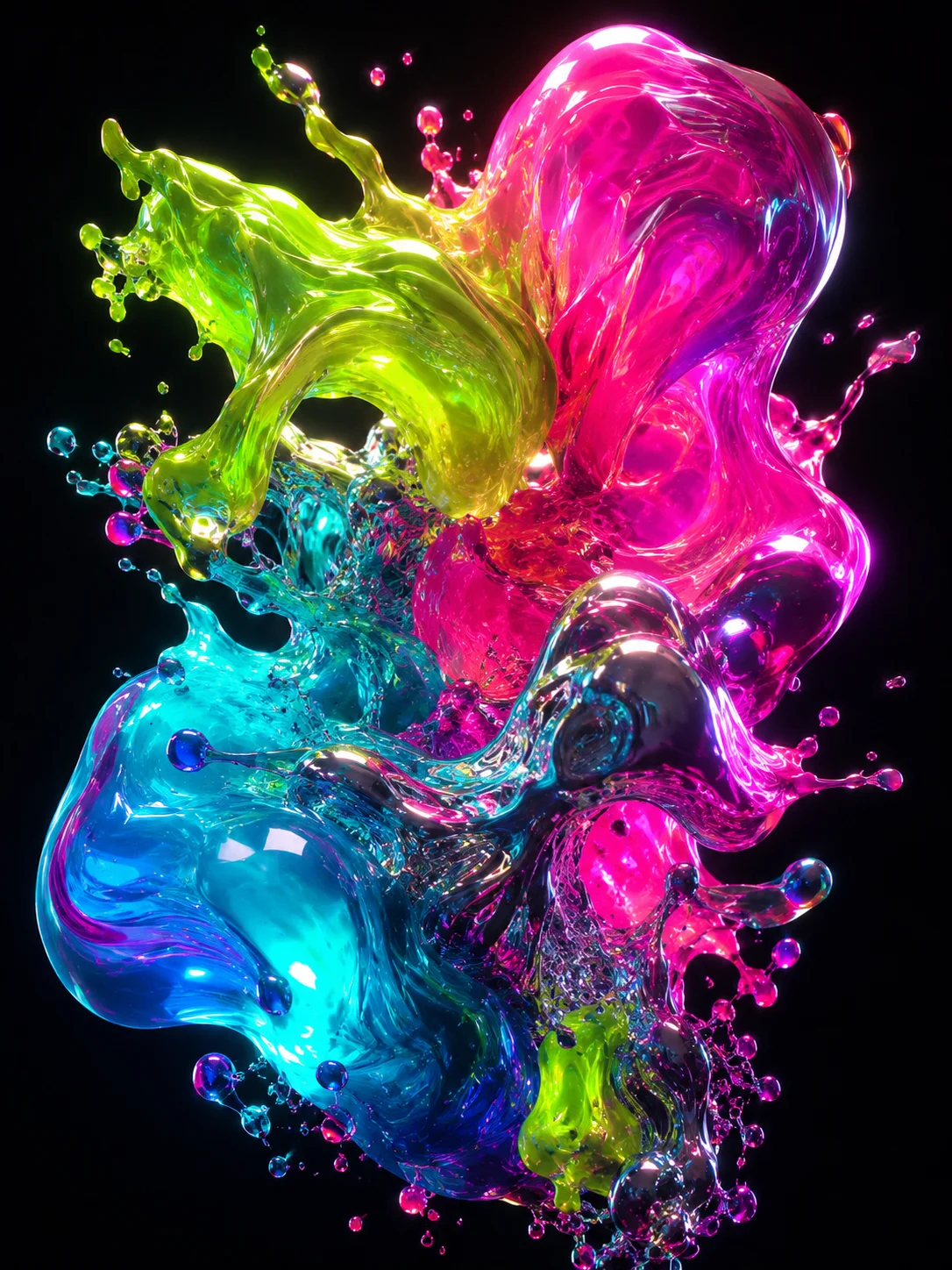
Generate product photos, portraits, and social media visuals from 125+ curated prompts. Powered by GPT-image-2 and Nano Banana 2
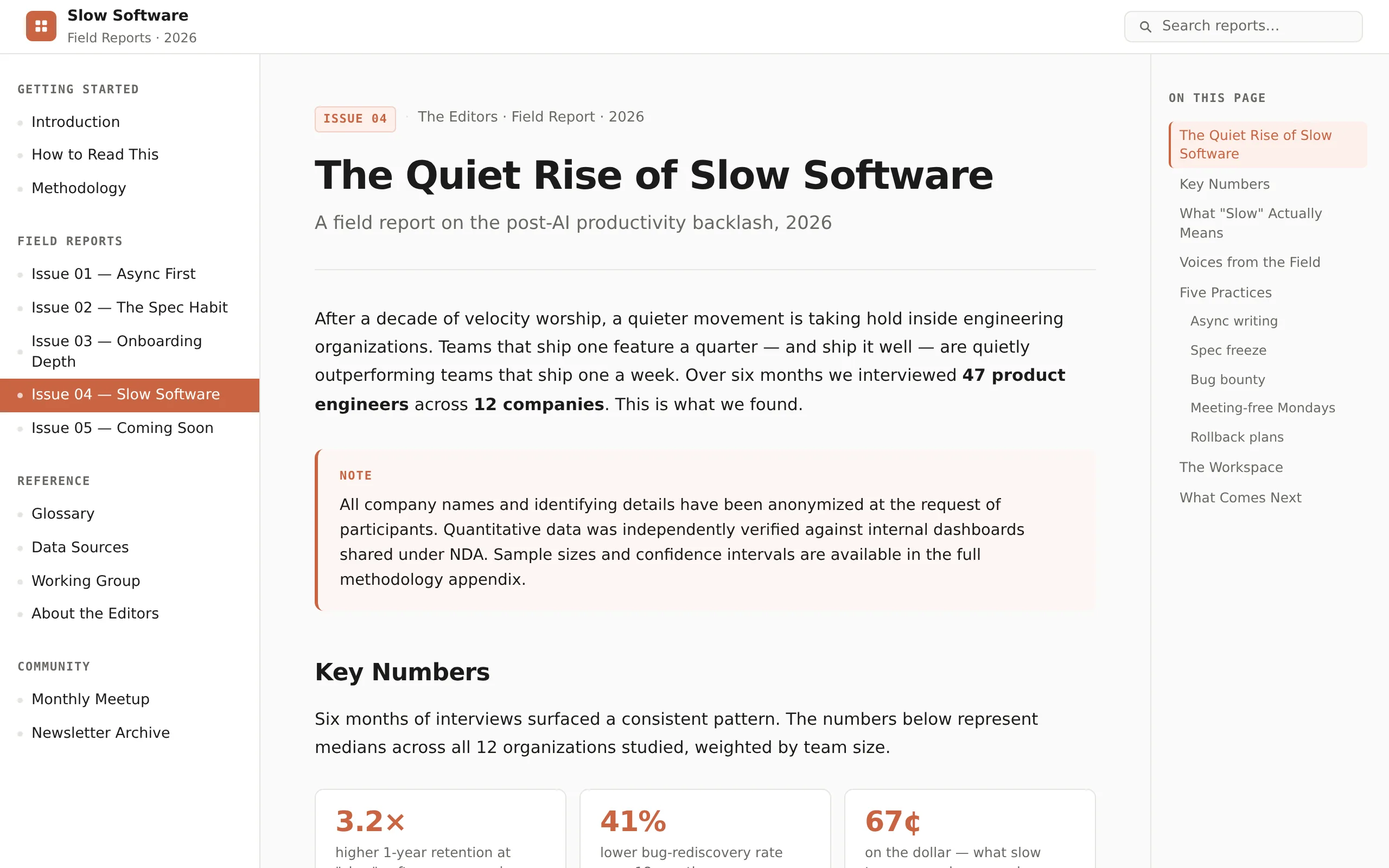
Turn any content into a self-contained, design-system-locked HTML page. 15 visually consistent styles — from Notion docs to editorial magazines.
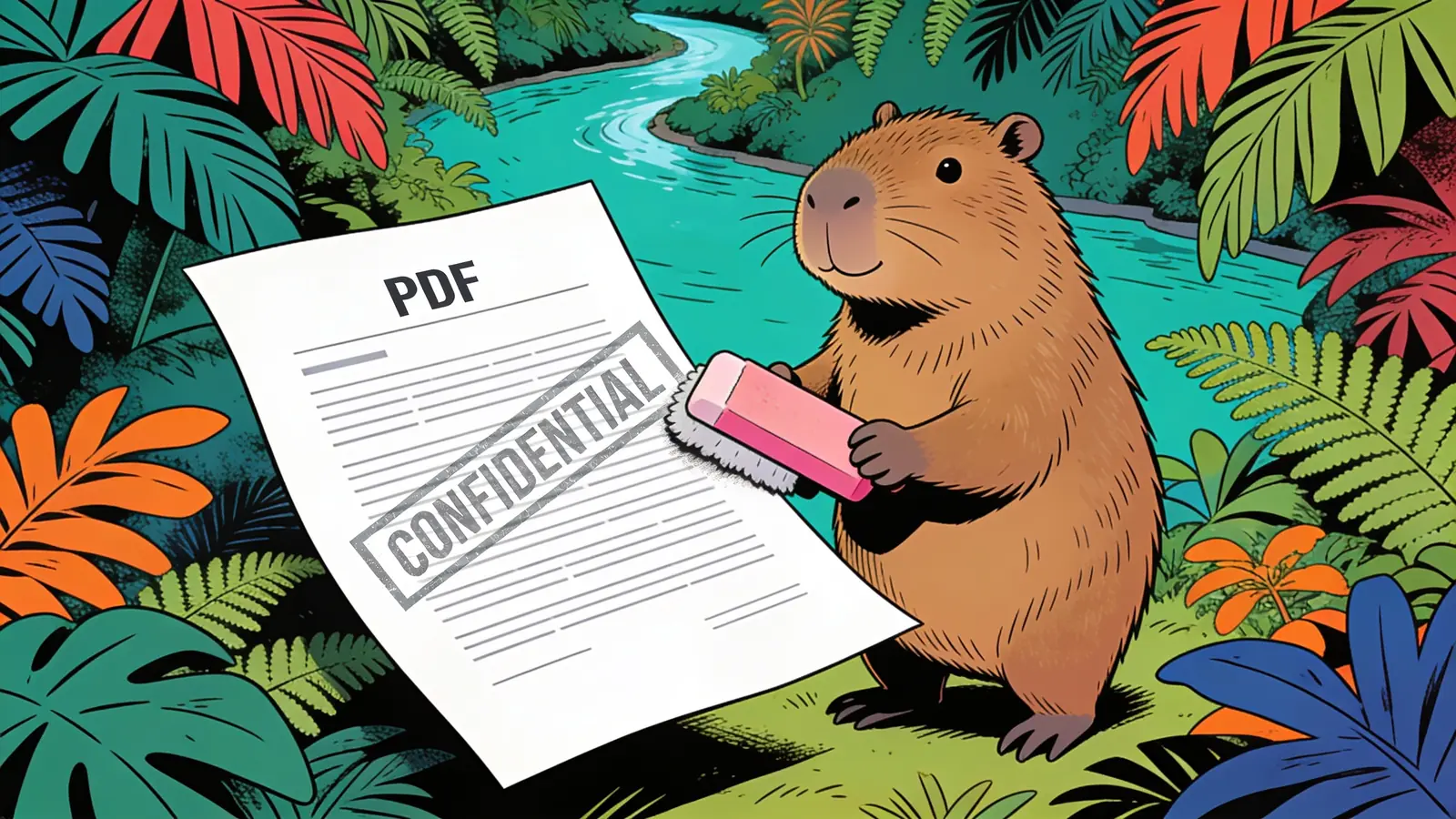
Remove text, logo, and stamp watermarks from any PDF and get a clean copy back — with the original layout, text, and image quality left intact.
Convert PNG images to a single PDF — combine multiple files, keep full quality, and set the page size and order you want.
Convert PDF pages to high-resolution PNG images — pick the pages and resolution you need, with crisp, lossless output.
Turn a Word document into clean JPG images — one per page, full quality, ready to share or post.
Convert JPG images, scans, and screenshots into editable Word documents with OCR.
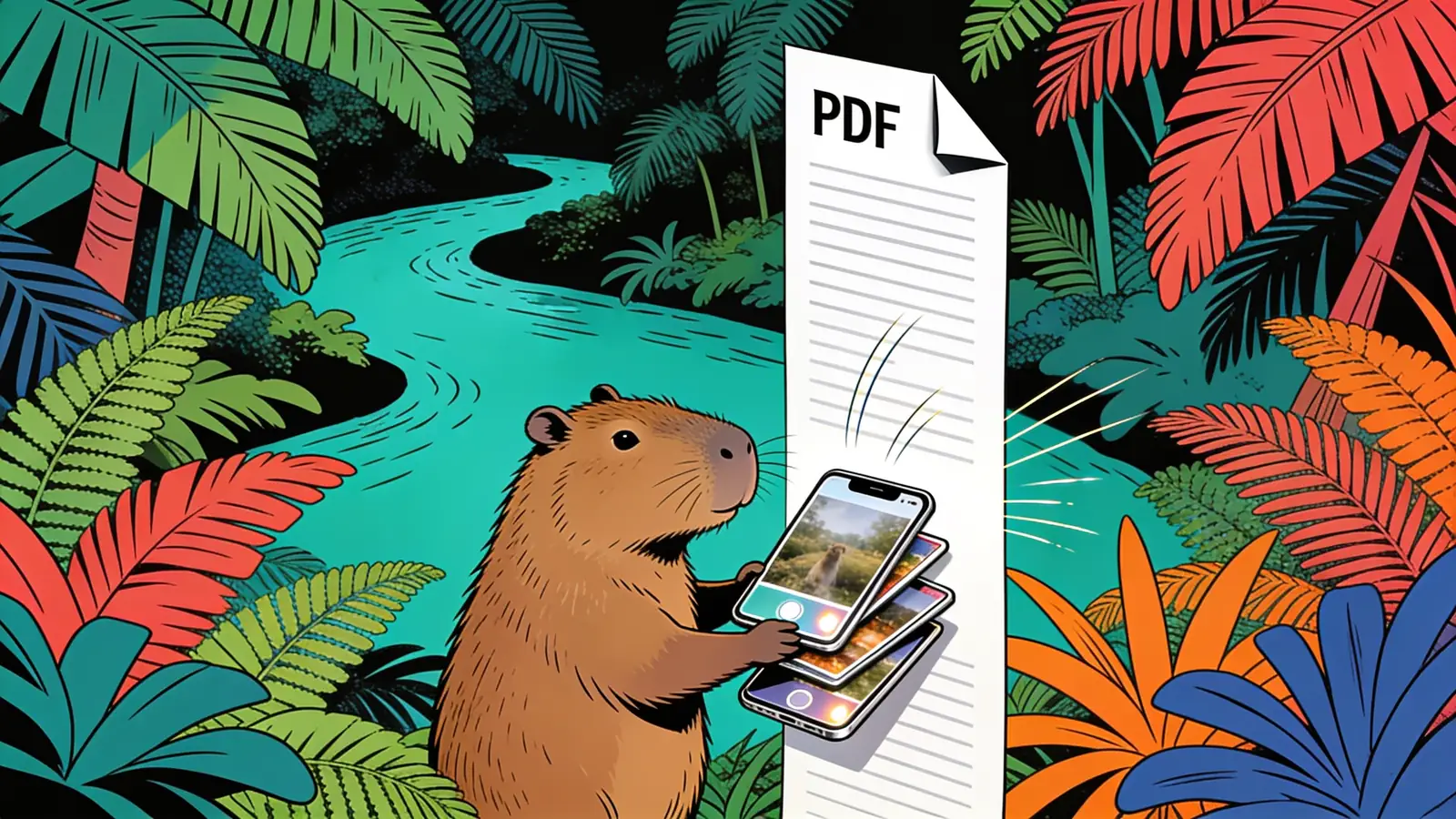
Turn iPhone HEIC photos into a PDF — combine several into one file at full quality, no camera settings to change.
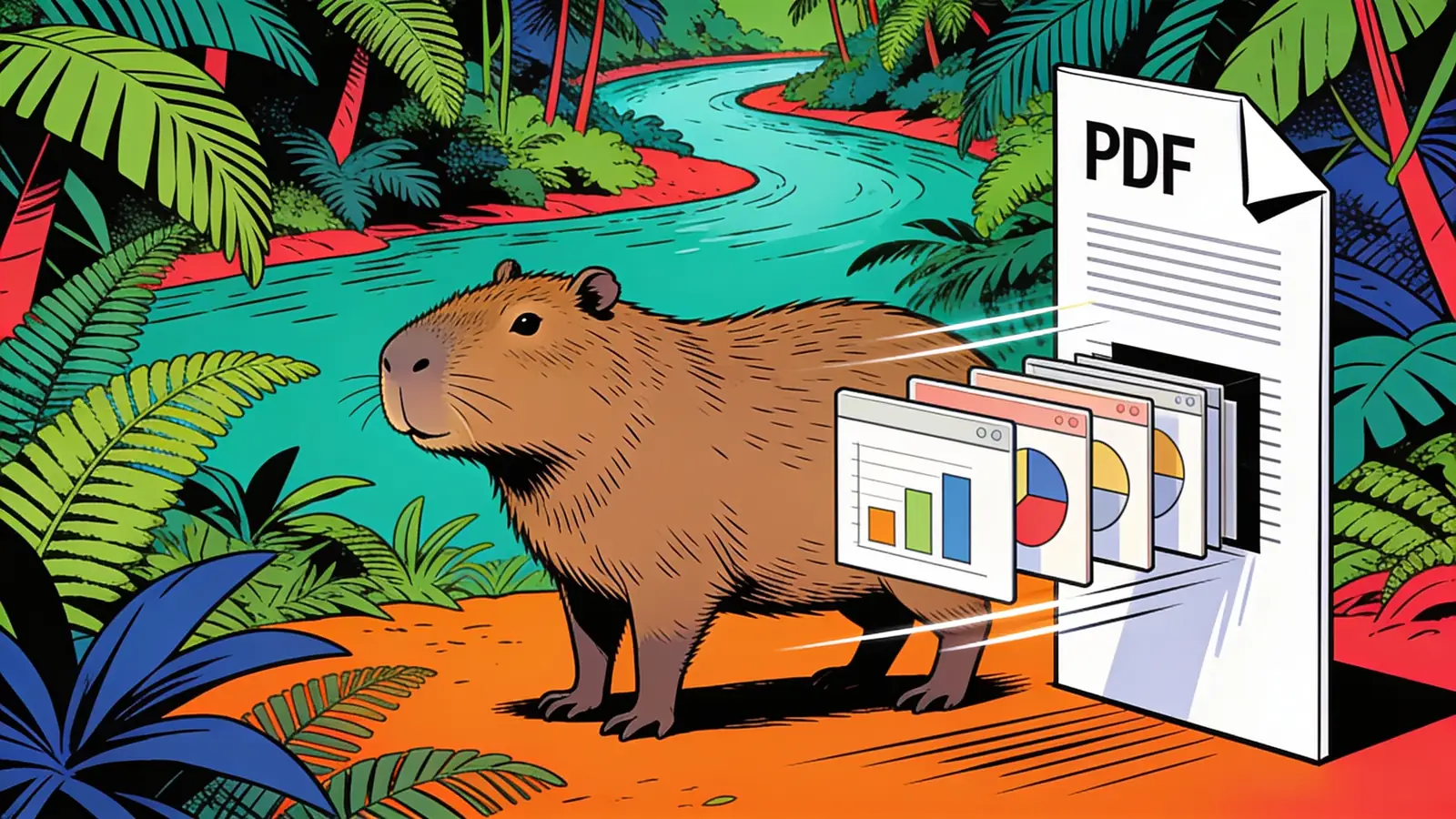
Turn PowerPoint slides into a clean, shareable PDF — layout, fonts, and images intact.
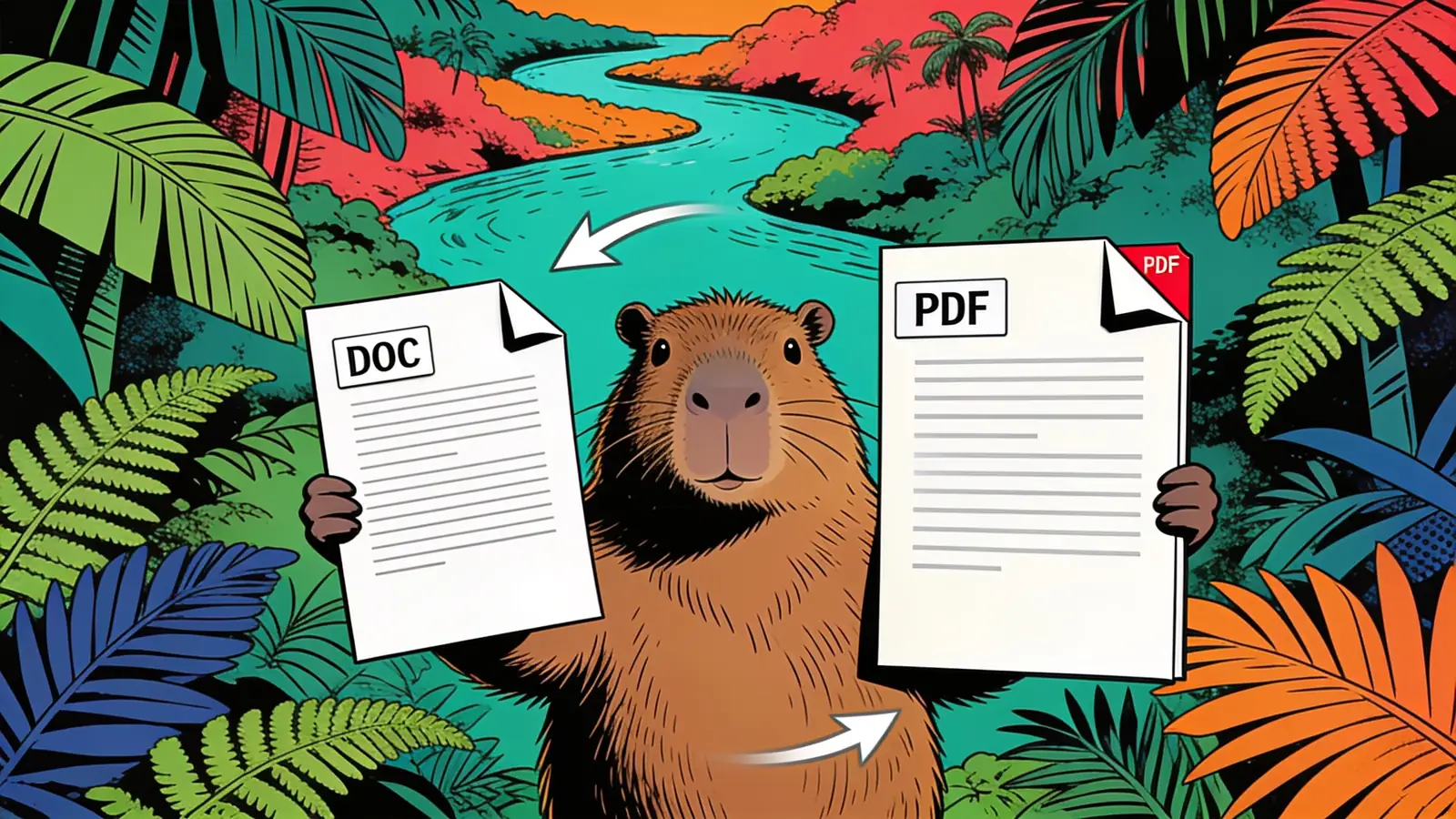
Convert Word documents to clean PDFs — formatting, fonts, tables, and images preserved.
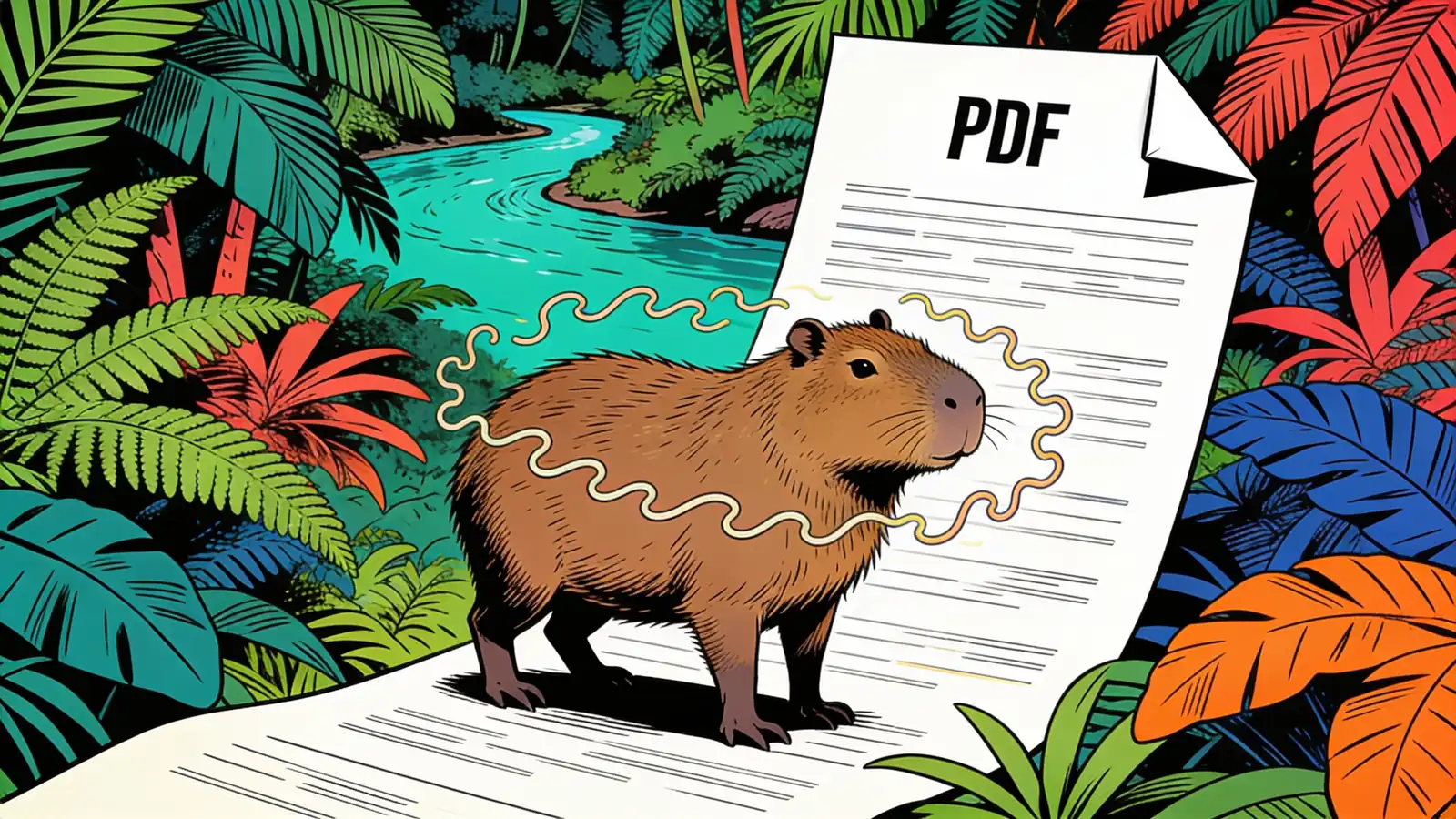
Turn plain text or a TXT file into a clean, formatted PDF — choose the font, size, and margins.
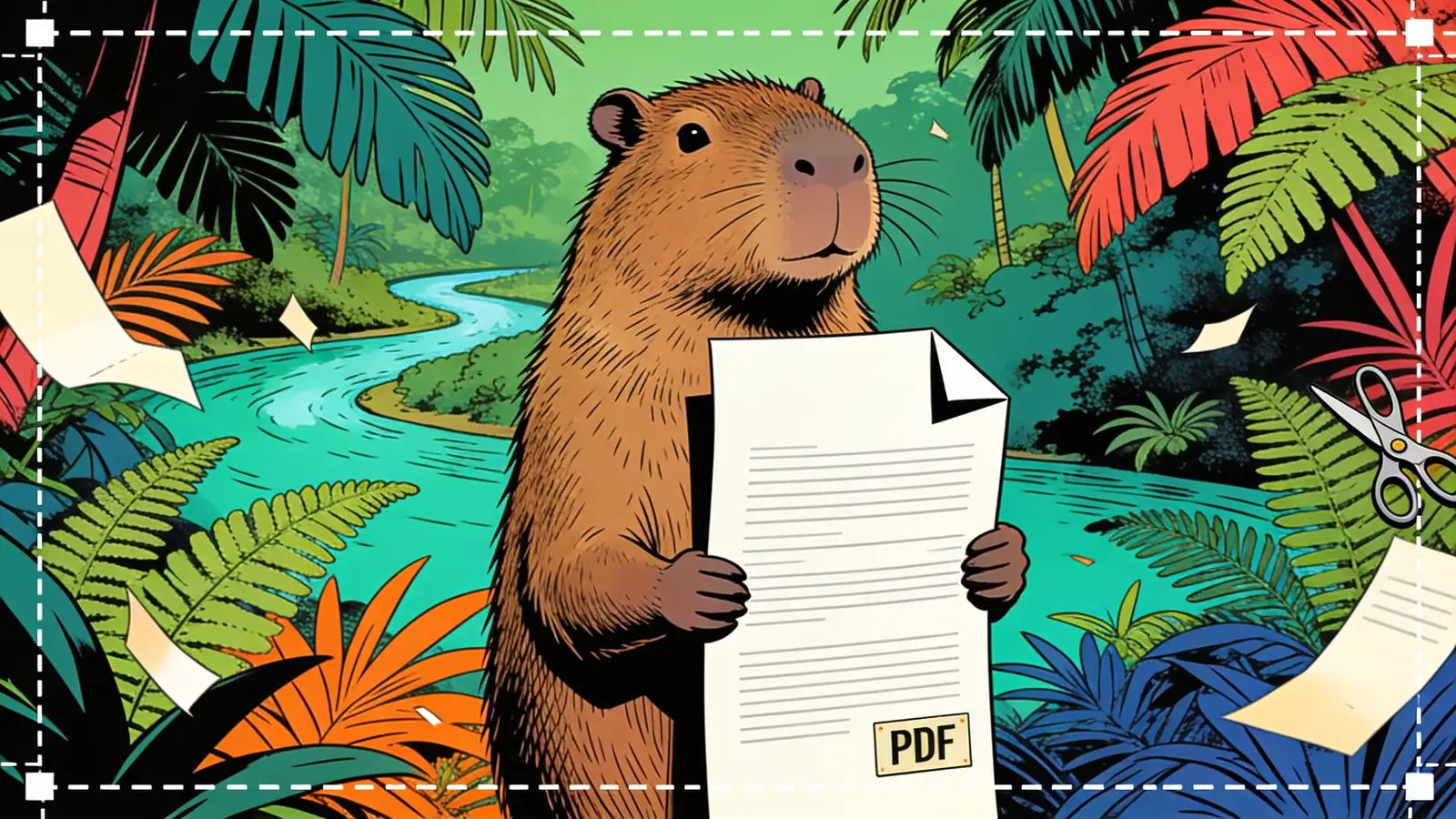
Trim margins or cut a PDF to just the area you want — across one page or the whole document.
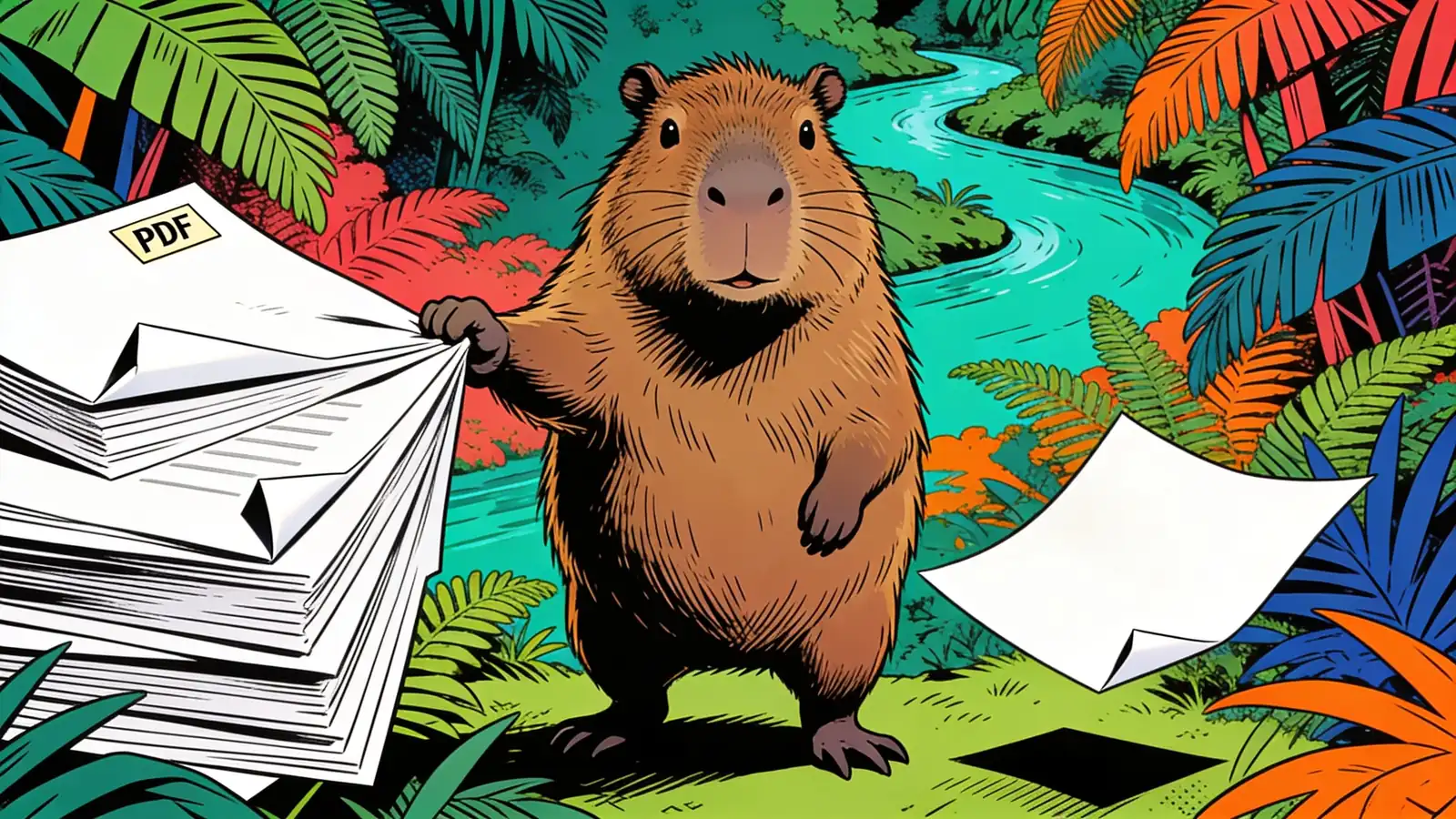
Delete the pages you don't need from a PDF — cover sheets, blanks, an appendix — and keep the rest in order.
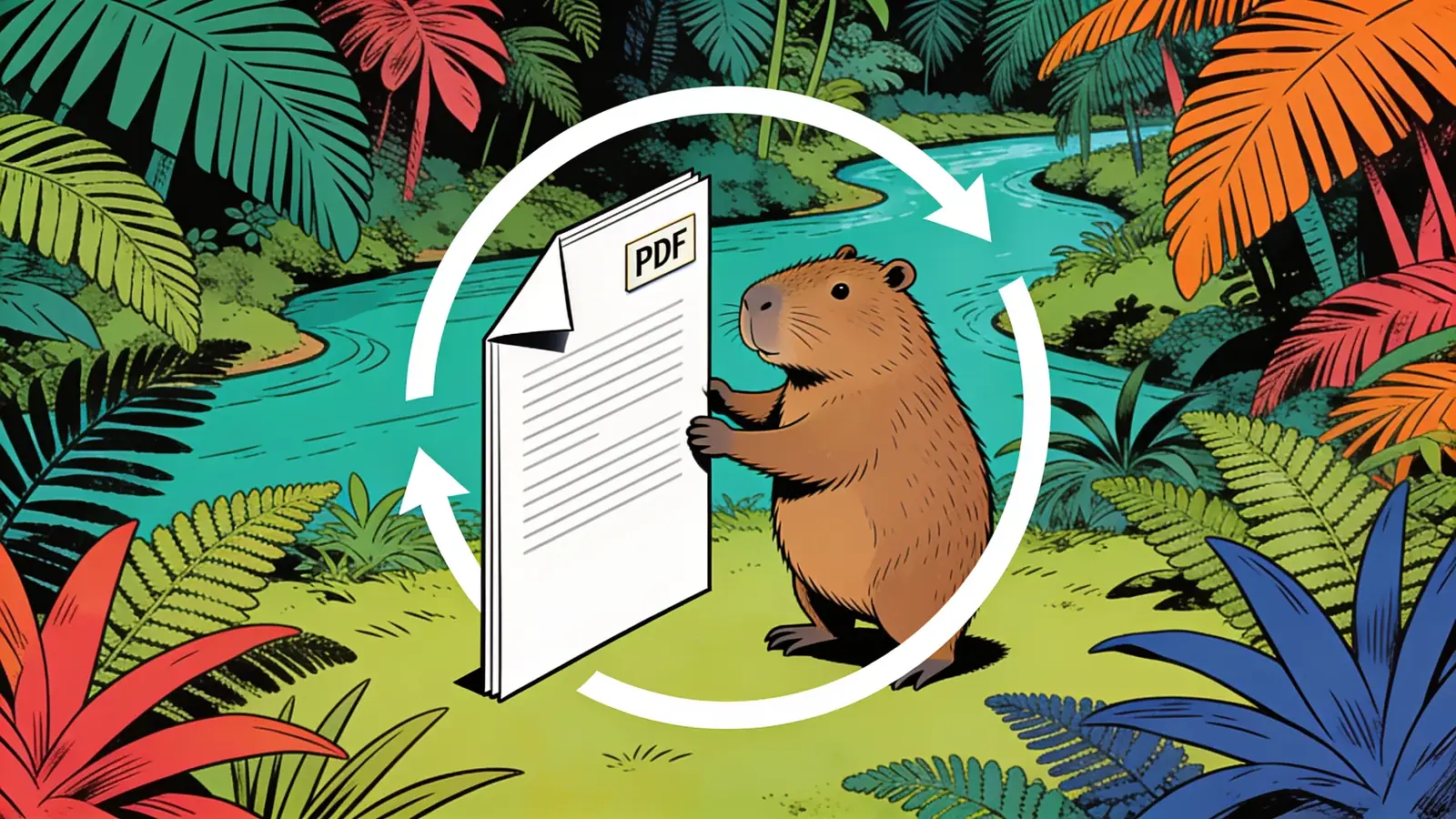
Fix sideways or upside-down PDF pages — rotate one page or the whole file and save.
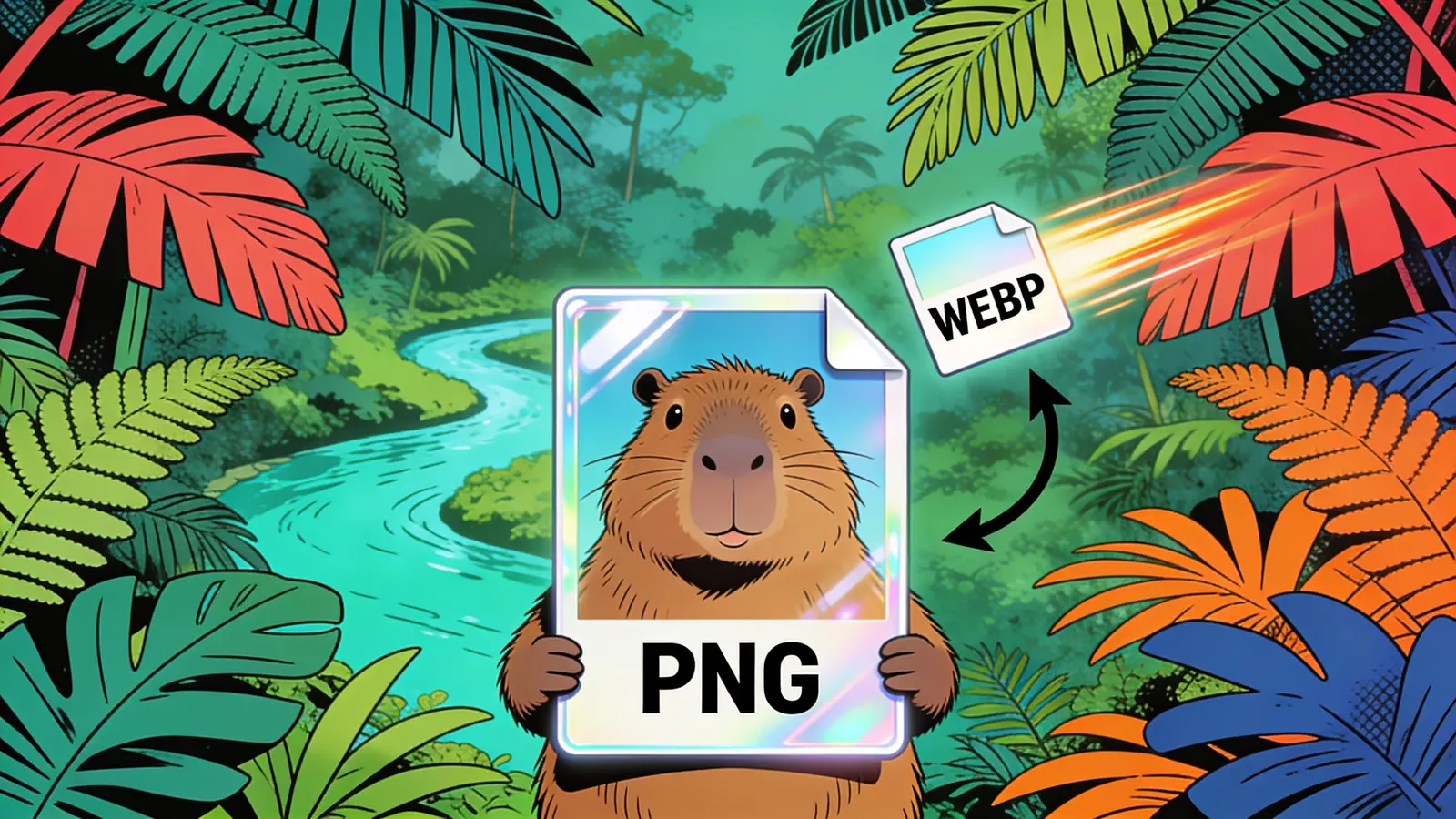
Convert PNG images to lightweight WebP — smaller files that load faster, with crisp quality.
Shrink PNG file size for web and email — smaller files, image still sharp.
Extract clean, editable plain text from any PDF — including scanned files via OCR.
Convert JSON arrays, API responses, and nested objects into clean Excel spreadsheets.
Ask questions of your data. Get answers in seconds.
Turn raw CSV data into a polished, print-ready PDF in seconds.
Turn any HTML into a clean, print-ready PDF in seconds.
Edit Any Photo With Words — No Photoshop Skills Needed. Powered by paid AI image models — no free tier.
ChatGPT-Style Image Generation — No Login, No Plus Required. Requires a paid plan — no free tier.

Type it. Stick it. AI stickers in seconds. Powered by paid AI image models — no free tier.

Generate long-form articles that read like a real person wrote them — not generic AI text.

Your AI college counselor — researches universities worldwide and builds your shortlist in minutes
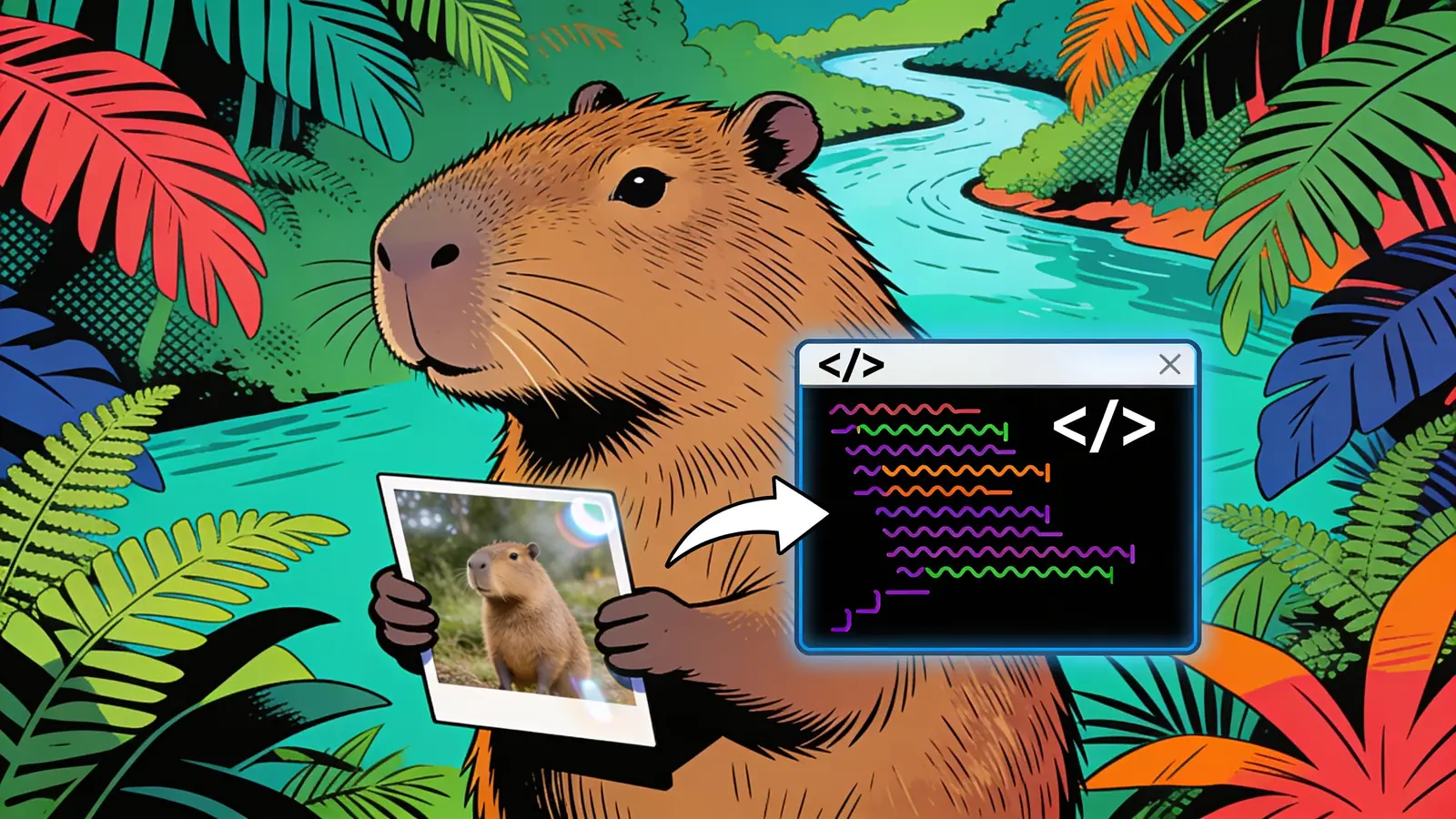
Turn any UI screenshot into clean, responsive HTML — instantly.
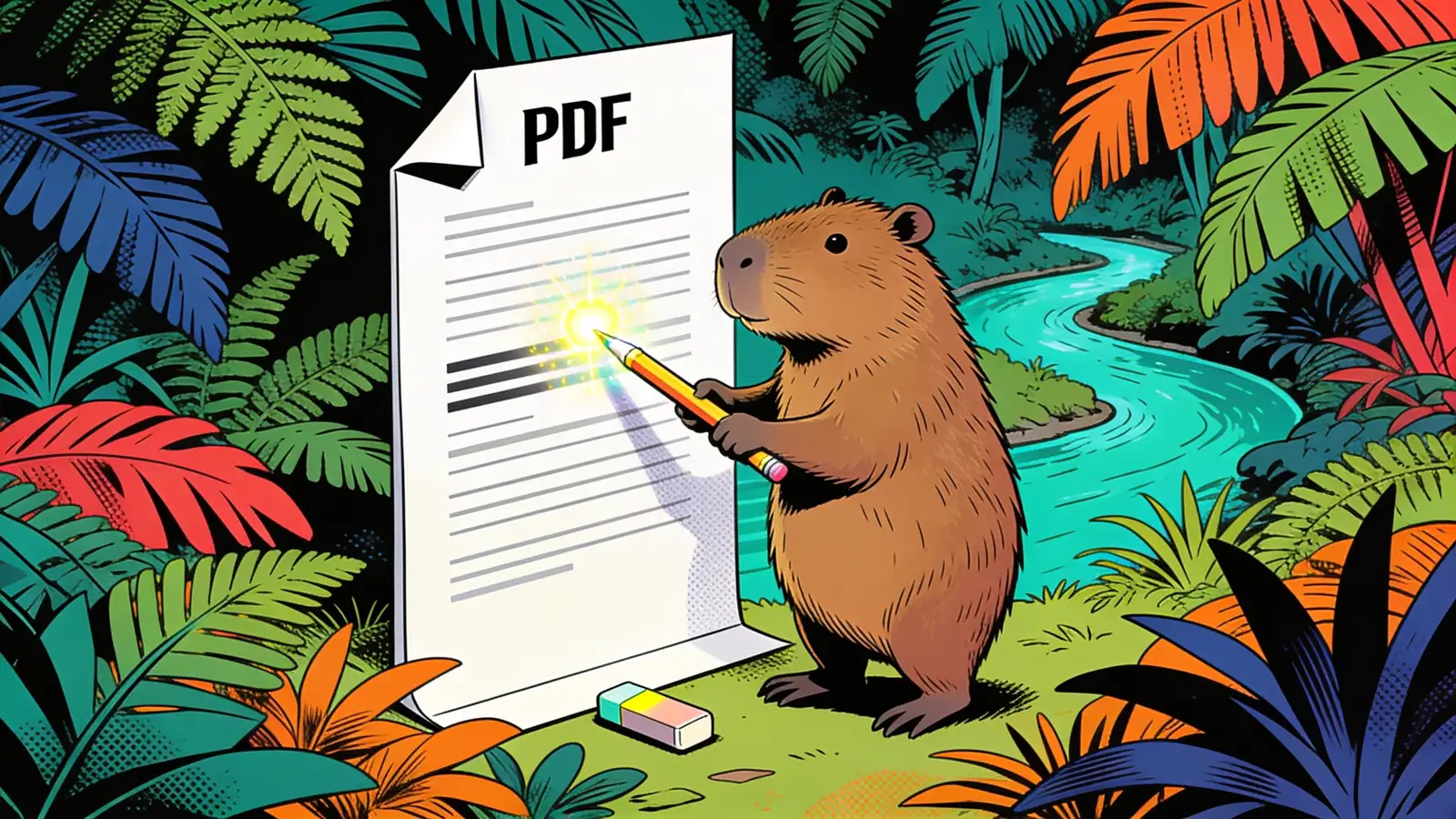
Edit any PDF just by describing what you want changed

Find and black out sensitive info in any PDF — just say what to hide

Upload a contract and get risky clauses flagged in plain language

Pull tables and data out of any PDF into clean Excel or CSV
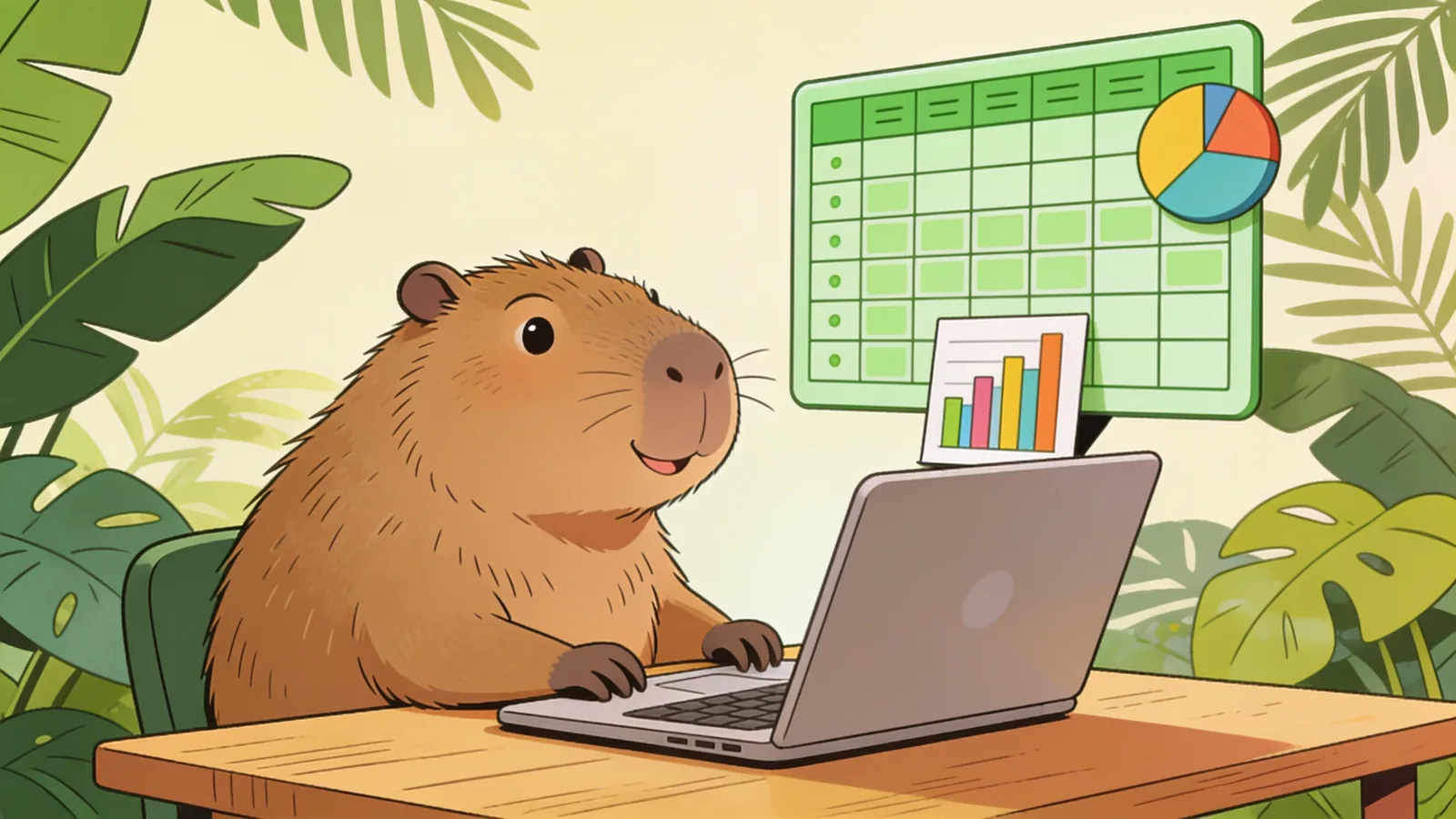
Upload a spreadsheet and tell AI what to clean, analyze, or build

Translate a whole PDF and keep its layout, tables, and formatting
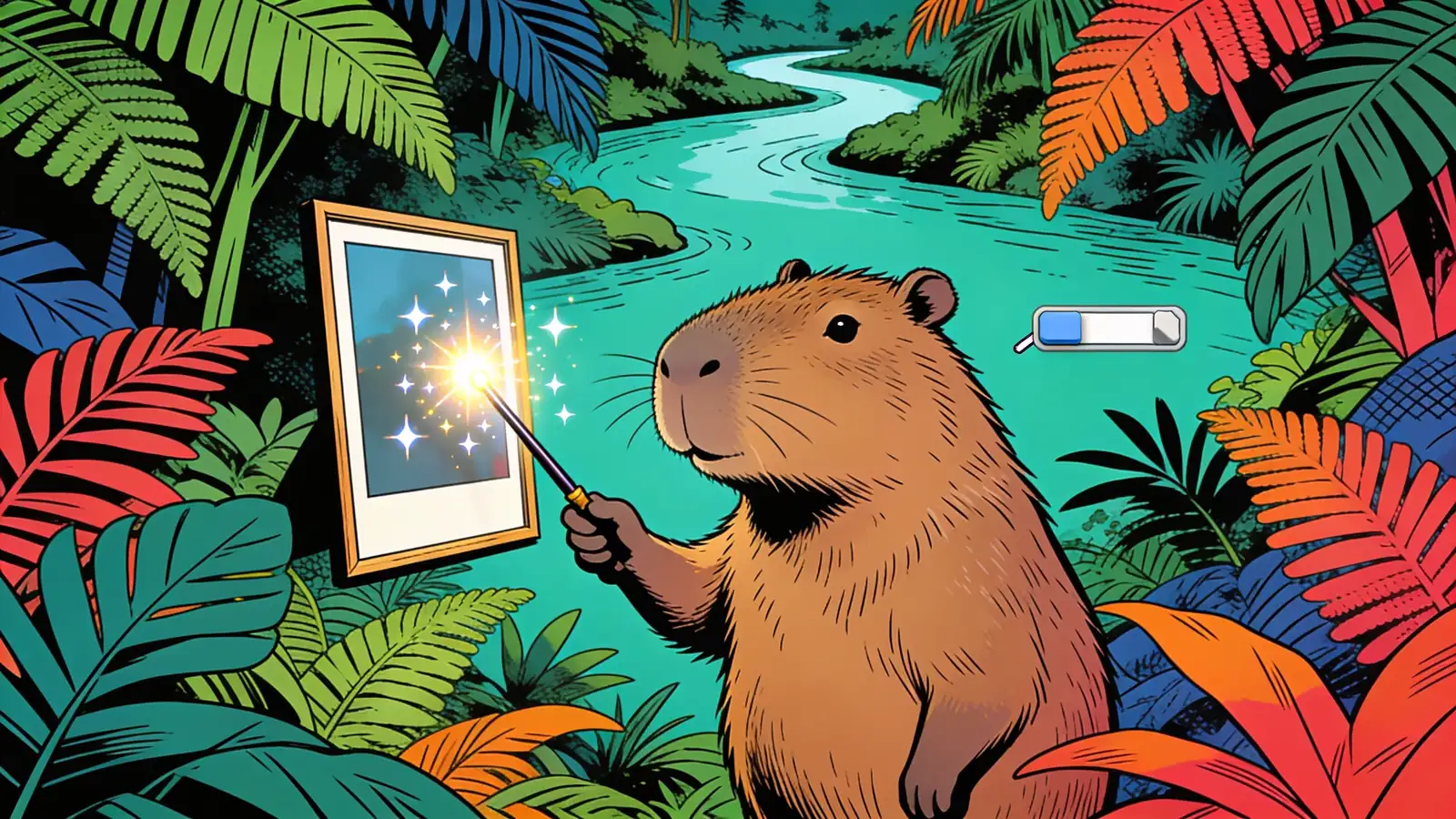
Edit existing photos with ChatGPT-style prompts: remove objects, change backgrounds, retouch, and restyle. Requires a paid plan — no free tier.
Remove Text, Captions & Watermarks from Video — Instantly. Powered by paid AI video models — no free tier.
Add text, titles, and captions to any video — instantly. Powered by paid AI video models — no free tier.
Turn any photo into a short AI-generated video. Requires a paid plan — no free tier.
Turn two separate photos into one AI-generated couple portrait — no photoshoot needed. Requires a paid plan — no free tier.
Turn your photo into an AI-generated wedding photo — explore styles before the big day. Requires a paid plan — no free tier.
Combine individual photos into one AI-generated family portrait. Requires a paid plan — no free tier.
Turn a handful of photos into a short birthday video with transitions and a name overlay. Powered by paid AI video models — no free tier.
Turn a set of photos (and clips) into one finished video, with transitions and text — just by describing it. Powered by paid AI video models — no free tier.
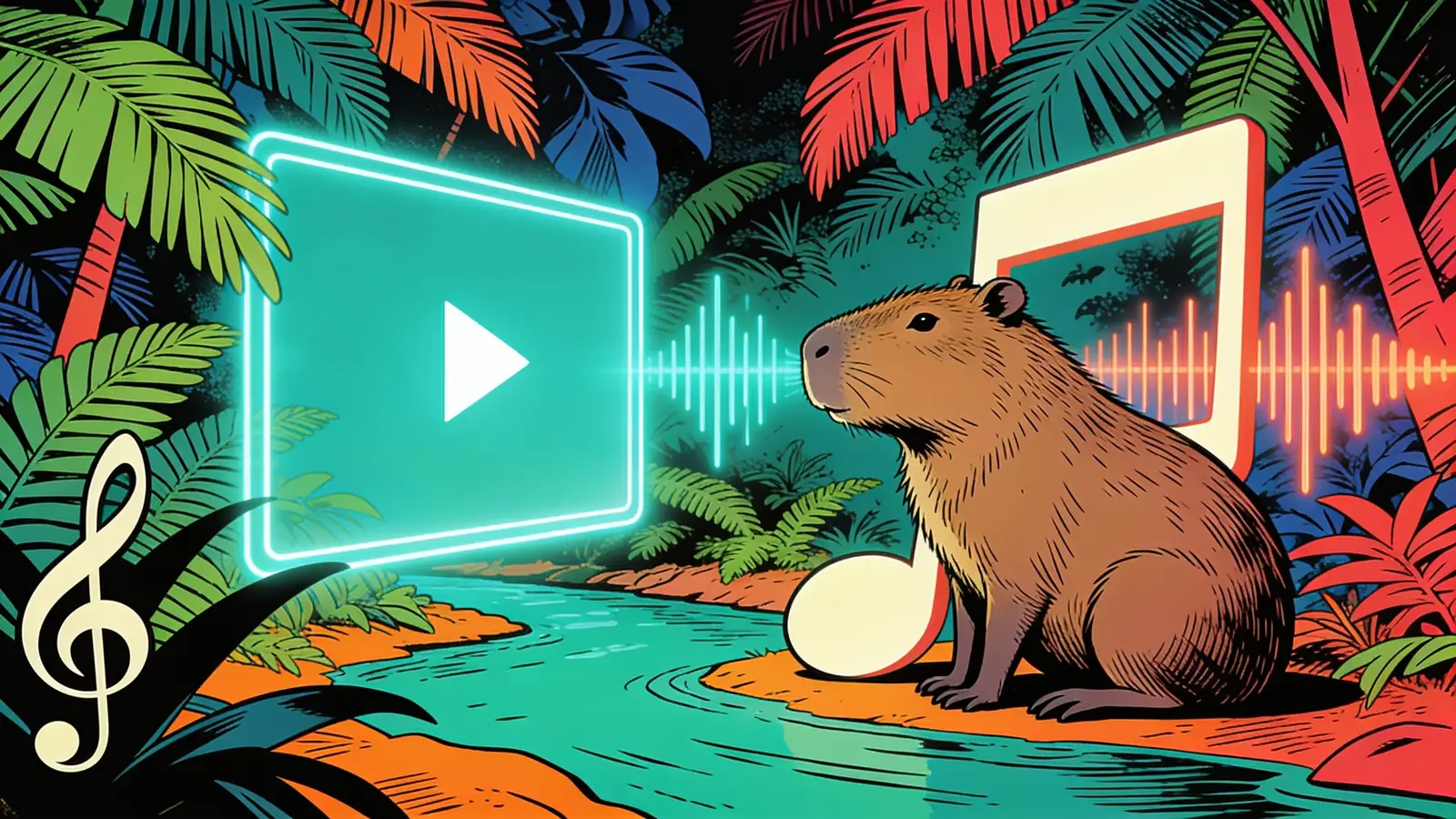
Turn song lyrics and a background image or clip into a lyric video. Powered by paid AI video models — no free tier.
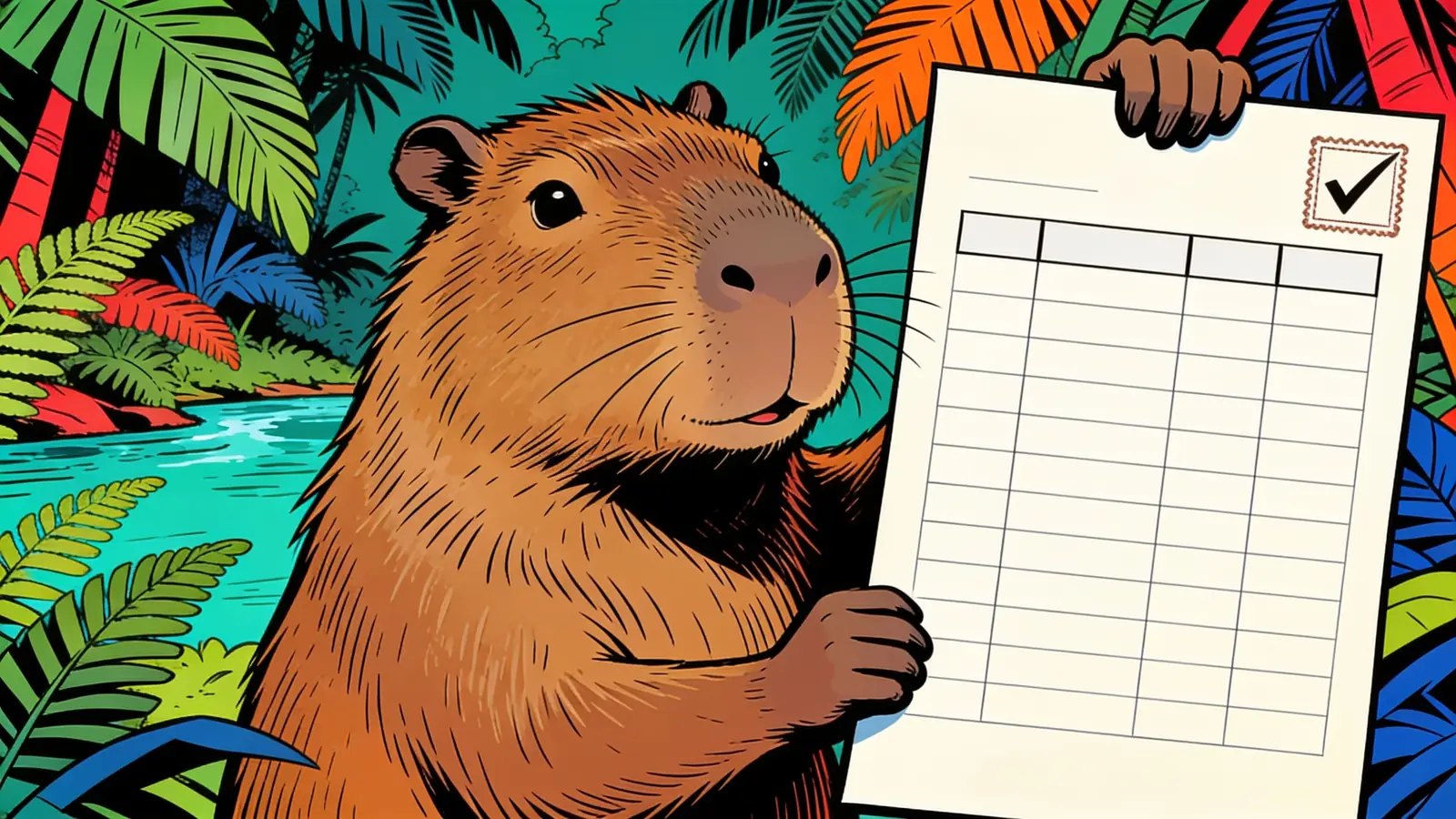
Create a clean, numbered purchase order PDF in minutes — no accounting software needed.
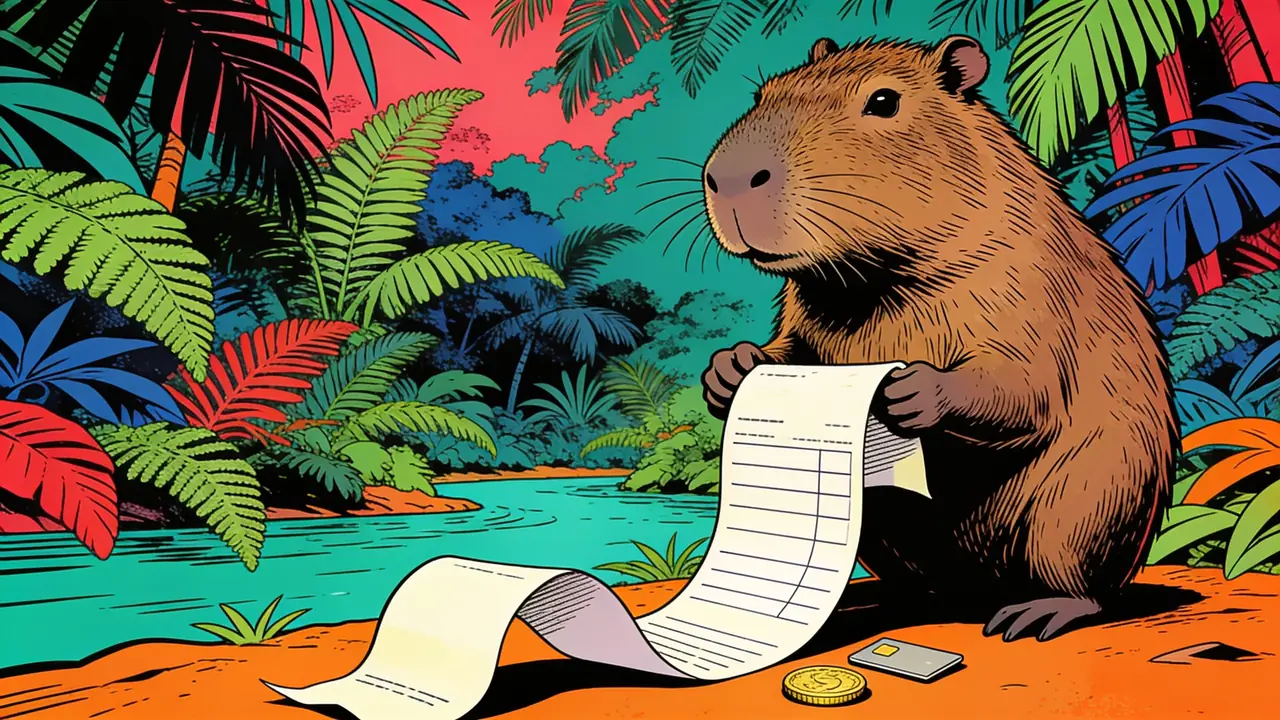
Turn a sale into a clean receipt PDF — itemized, totaled, and ready to hand over.
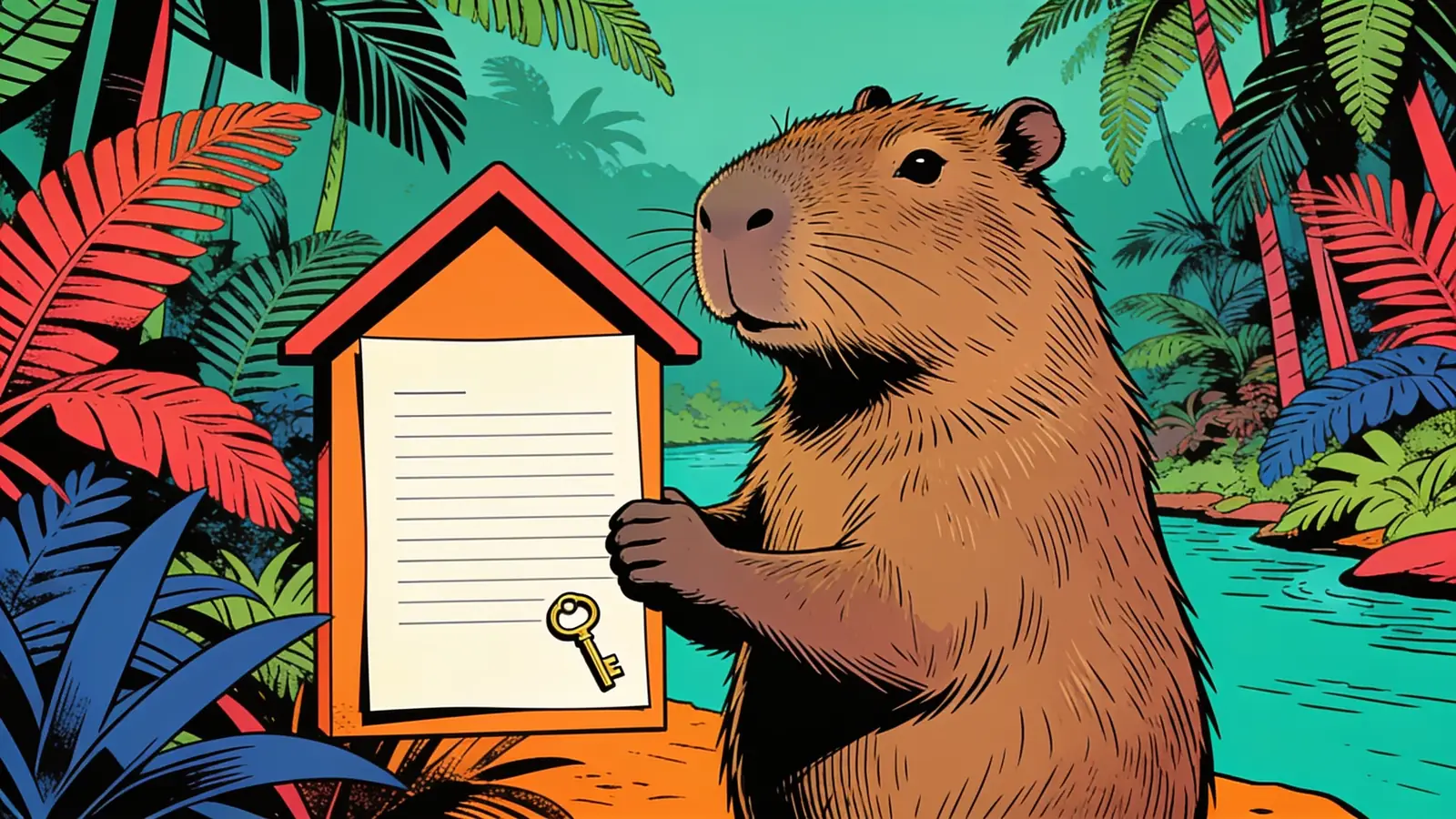
Generate a clear rent receipt PDF for any month — proof of payment for tenants and landlords.
Create a clean packing slip PDF for any shipment — list what's in the box, no prices needed.
Create a customs-ready commercial invoice PDF for international shipments.
Create a proforma invoice PDF — a professional quote or preliminary bill before the sale is final.
Describe the work in plain English and get a professional invoice PDF — the AI fills in the details.
Convert YAML to clean, valid JSON in seconds — paste it in, copy it out.
Convert JSON to clean, readable YAML in seconds — ideal for config files.
Turn raw JSON into a clean, readable PDF — formatted and easy to share.
Convert an Excel spreadsheet into clean, structured JSON — rows become objects.
Extract data from a PDF into structured JSON — tables, forms, and fields.
Convert SVG vector graphics to crisp PNG images — pick the size and keep transparency.
Write a professional resignation letter in minutes — polite, clear, and ready to send.
Turn your idea into a clean one-page summary — product, startup, or project, on a single page.
Convert a PDF into clean Markdown — headings, lists, and tables preserved.
Convert CSV data into a clean, formatted Excel spreadsheet.
Turn your plan into a clean visual roadmap — phases, milestones, and timeline.
Turn your task list into a Gantt chart — bars, dates, and dependencies laid out.
Turn your project updates into a clean status report — progress, risks, and next steps.
Turn what happened into a clear, structured incident report.
Turn a description of your business or idea into a structured SWOT analysis.
Generate correctly formatted AMA-style citations — for a source, a bibliography, or a reference list.
Turn a PNG screenshot into an editable Word document — no retyping.
Turn PowerPoint slides into a clean Word document — text, notes, and structure kept.
Turn a Word document into PowerPoint slides — headings become slide titles.
Convert an Excel spreadsheet into clean CSV — ready for import anywhere.
Describe what you want to calculate, get the right Excel formula — no syntax to memorize.
Bring an old, damaged photo back to life — repair scratches, fading, and tears. Powered by paid AI image models — no free tier.
Improve the resolution and clarity of a video — sharper detail, less noise. Powered by paid AI video models — no free tier.
Remove a watermark or logo from a photo — describe it, get a clean copy back. Powered by paid AI image models — no free tier.
Remove a logo or stamp watermark from a video — describe it, get a clean copy back. Powered by paid AI video models — no free tier.
Remove the TikTok logo from your own video before cross-posting elsewhere. Powered by paid AI video models — no free tier.

Turn a topic, outline, or document into a full slide deck — titles, bullets, and speaker notes.
Generate a deck built for Google Slides — import it and keep editing in your browser.
Build an investor pitch deck with the slides funders expect — problem, market, traction, ask.

Turn your product into a sales pitch built around what the buyer actually cares about.

Build lesson slides with learning objectives, worked examples, and check-for-understanding questions.

Draft a clear contract from plain-English terms — then have a professional review it.
Yes, all Happycapy tools are free to start with no credit card required. You can access the full tool suite immediately after signing up. Some tools offer extended capabilities or higher usage limits on paid plans, but the core functionality is available on the free tier.
No. All Happycapy tools run directly in the browser with no downloads, plugins, or API setup required. Open a tool, enter your input, and generate. Everything runs in a secure sandbox environment on Happycapy's infrastructure.
Happycapy's tool suite is built for creators, marketers, and builders who need production-ready outputs without complex workflows. Tools span visual creation, content generation, and beyond, each built for a specific use case. New tools are added on an ongoing basis as Happycapy expands the suite.
Happycapy tools run on a curated set of AI models matched to each task's requirements. For visual generation, core models currently include GPT-image-2 and Nano Banana 2. As the tool suite grows, Happycapy expands its model lineup to match, so the available models evolve alongside the tools.
Content you generate with Happycapy tools belongs to you, subject to Happycapy's Terms of Service and the underlying model's usage policies. Commercial use is generally permitted. For specific licensing details, refer to the AI Terms page on the Happycapy website before publishing or distributing at scale.