Students and researchers
Turn a screenshot of an article or textbook page into editable notes.
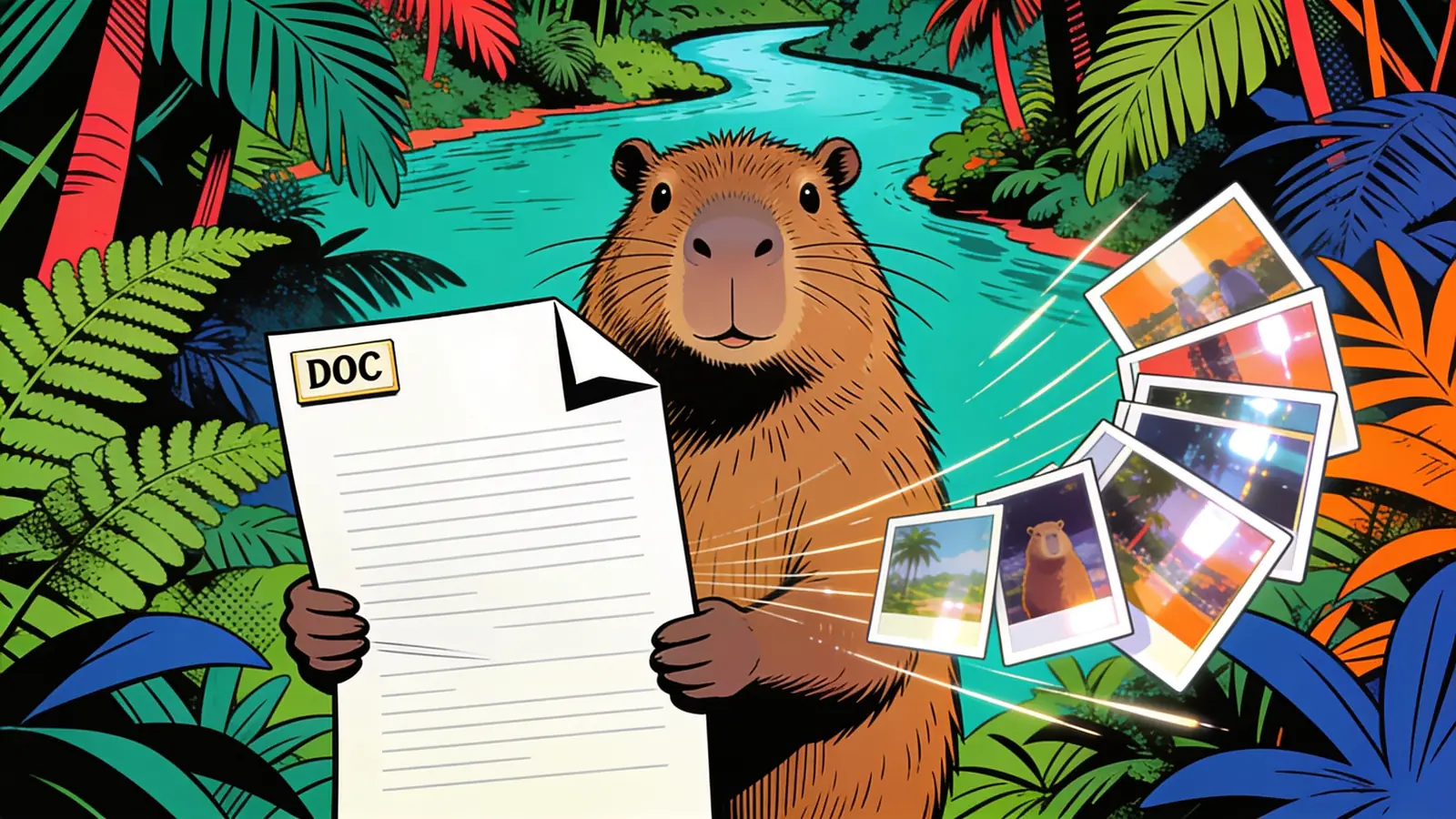
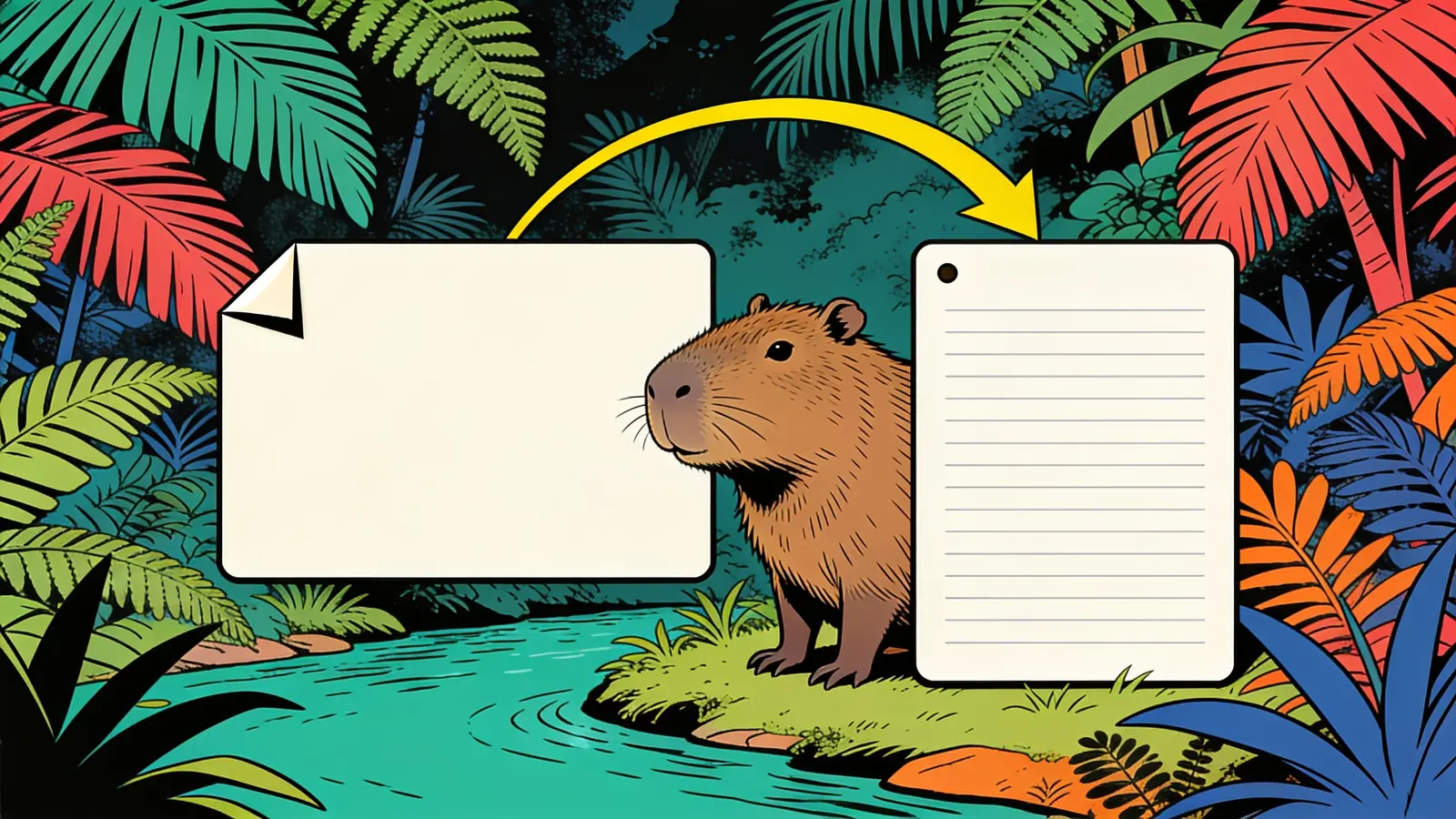
Turn a PNG screenshot into an editable Word document — no retyping.
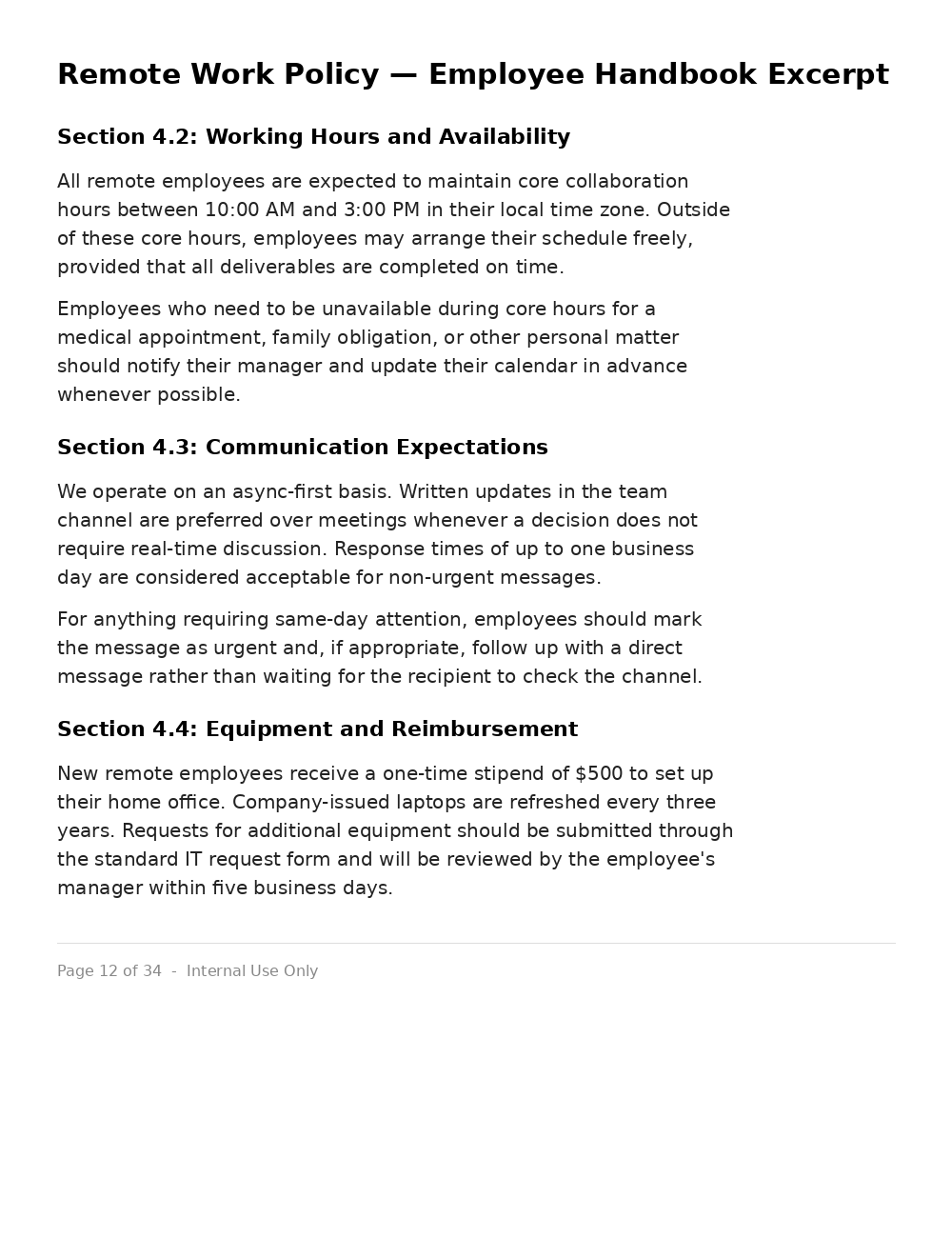
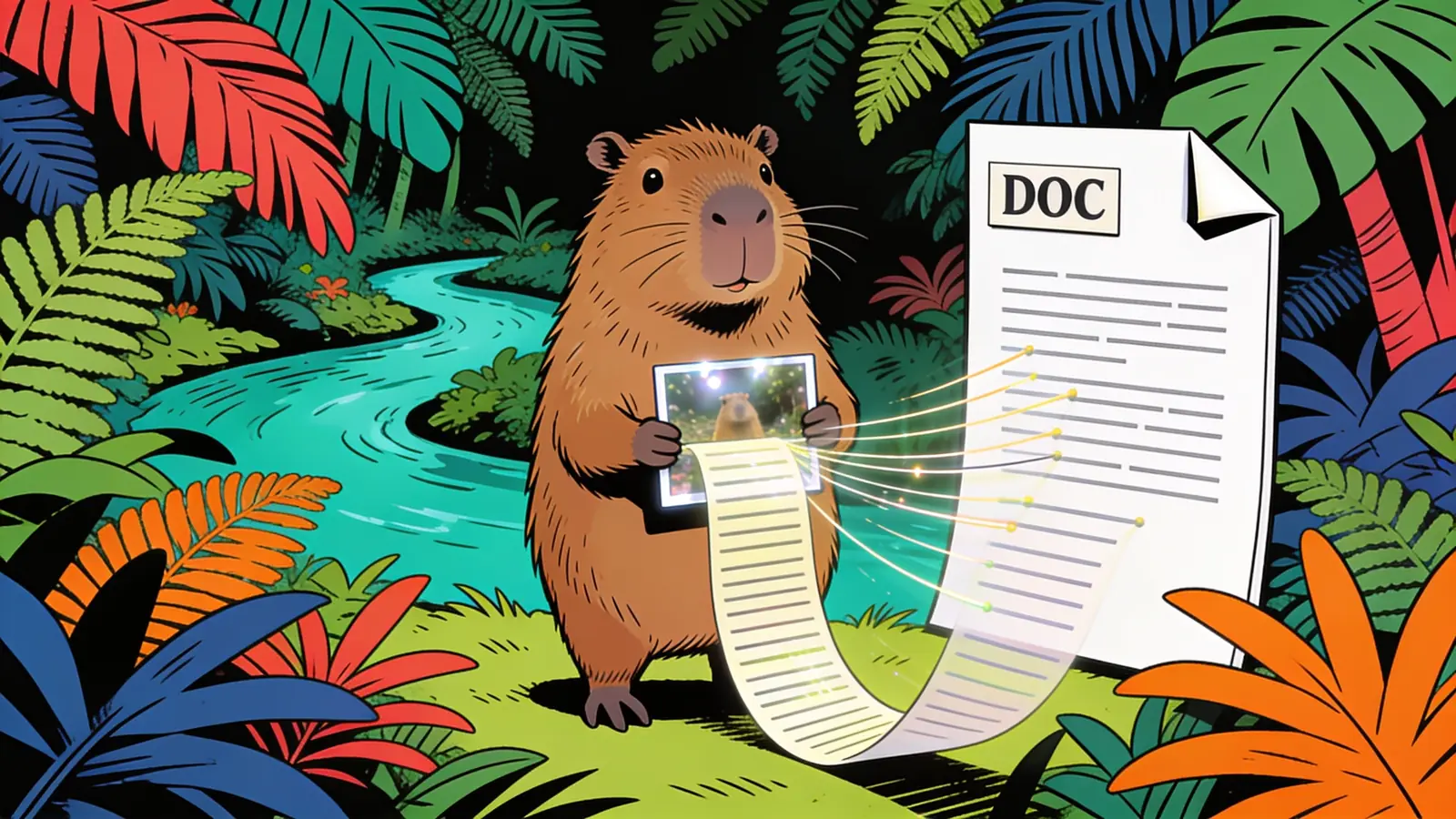
A PNG screenshot of a policy document, dense with paragraphs and section headings.
The same text reconstructed into a .docx with headings and paragraphs preserved.
Upload a PNG and get back an editable Word document with the text extracted via OCR.
Provide the screenshot, scan, or photo of text saved as a PNG.
Turn a screenshot of an article or textbook page into editable notes.
Convert scanned forms and printed documents into editable Word files without retyping.
Get the text out of PNGs quickly instead of manually transcribing them.
Sharper images give OCR more to work with and fewer misreads.
Mention a table is present so it's rebuilt as a real Word table.
Point out headings so they carry over as proper Word styles.
Upload several PNGs together if you want one combined document.
OCR occasionally confuses similar characters — double-check figures.
Printed text converts far more reliably than handwriting.
Review output quality, follow-up checks, and download expectations for PNG to Word.
For a clear PNG screenshot or scan with printed text, the tool typically returns an accurate, editable Word document within a minute, with paragraph structure and basic formatting preserved. Clean, high-resolution source images give the best results. Low-resolution images, unusual fonts, or handwriting increase the chance of misread characters that need manual correction.
Example: A user uploaded a PNG screenshot of a two-paragraph announcement with one bolded heading. The tool returned a Word document with the heading correctly bolded, both paragraphs as separate editable text blocks, and the wording matching the source with no errors.
It reads the text in a PNG image using OCR (optical character recognition) and rebuilds it as an editable Word document, instead of leaving the text locked inside a flat image.
Sign up free and put AI agents to work across your tasks, from quick jobs to complete end-to-end workflows, right in your browser, no setup needed.
Get started for free