JSON to PDF

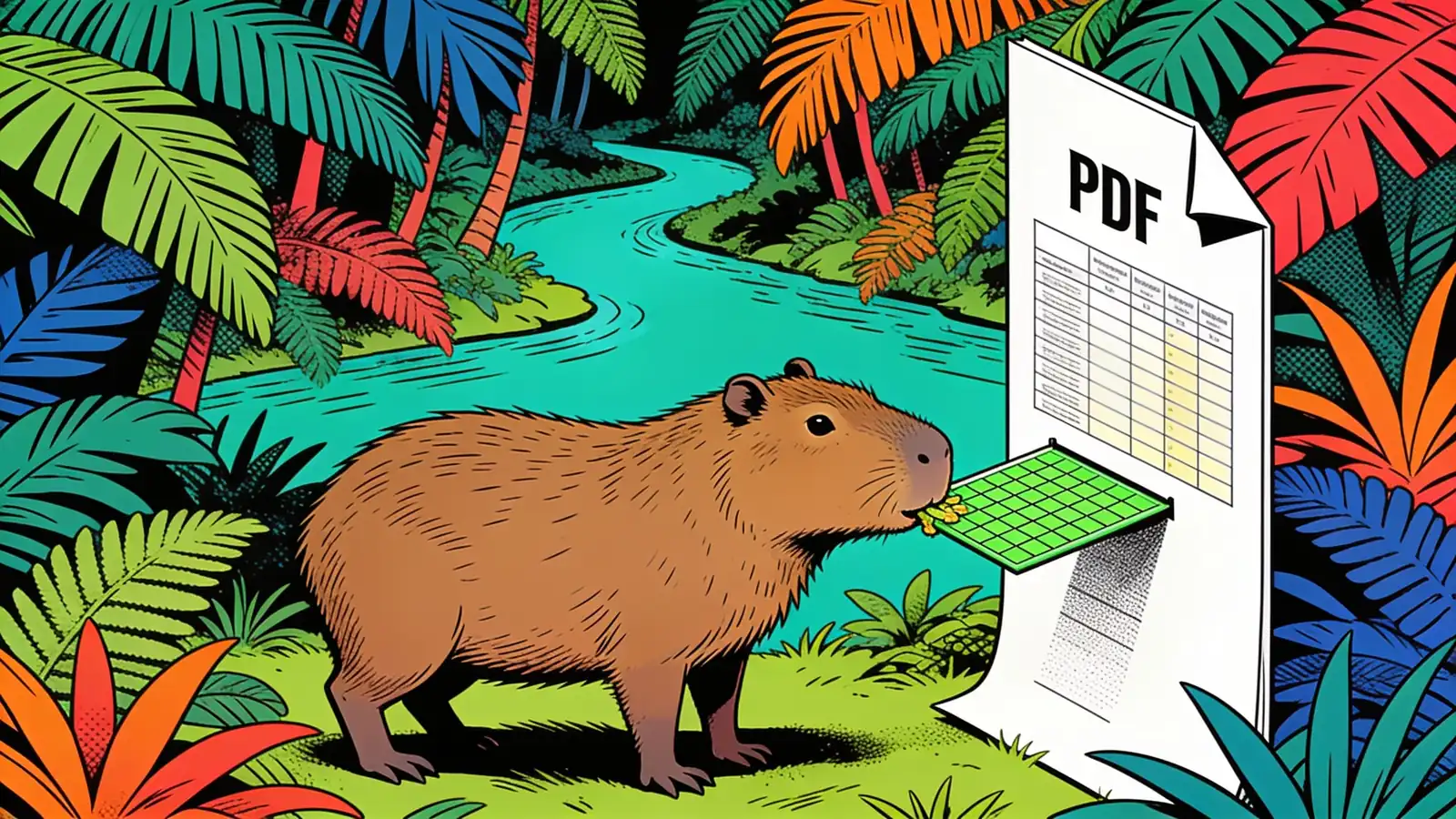
Paste your JSON and get back a clean PDF — either as a neatly formatted, syntax-styled document or as a readable table, depending on your data. Handy for sharing API responses, config, or exported data with people who don't want to read raw JSON. Free to start.

How it works

1

Paste your JSON

Drop in your JSON — an object, an array of records, or an API response.

2

Pick a layout

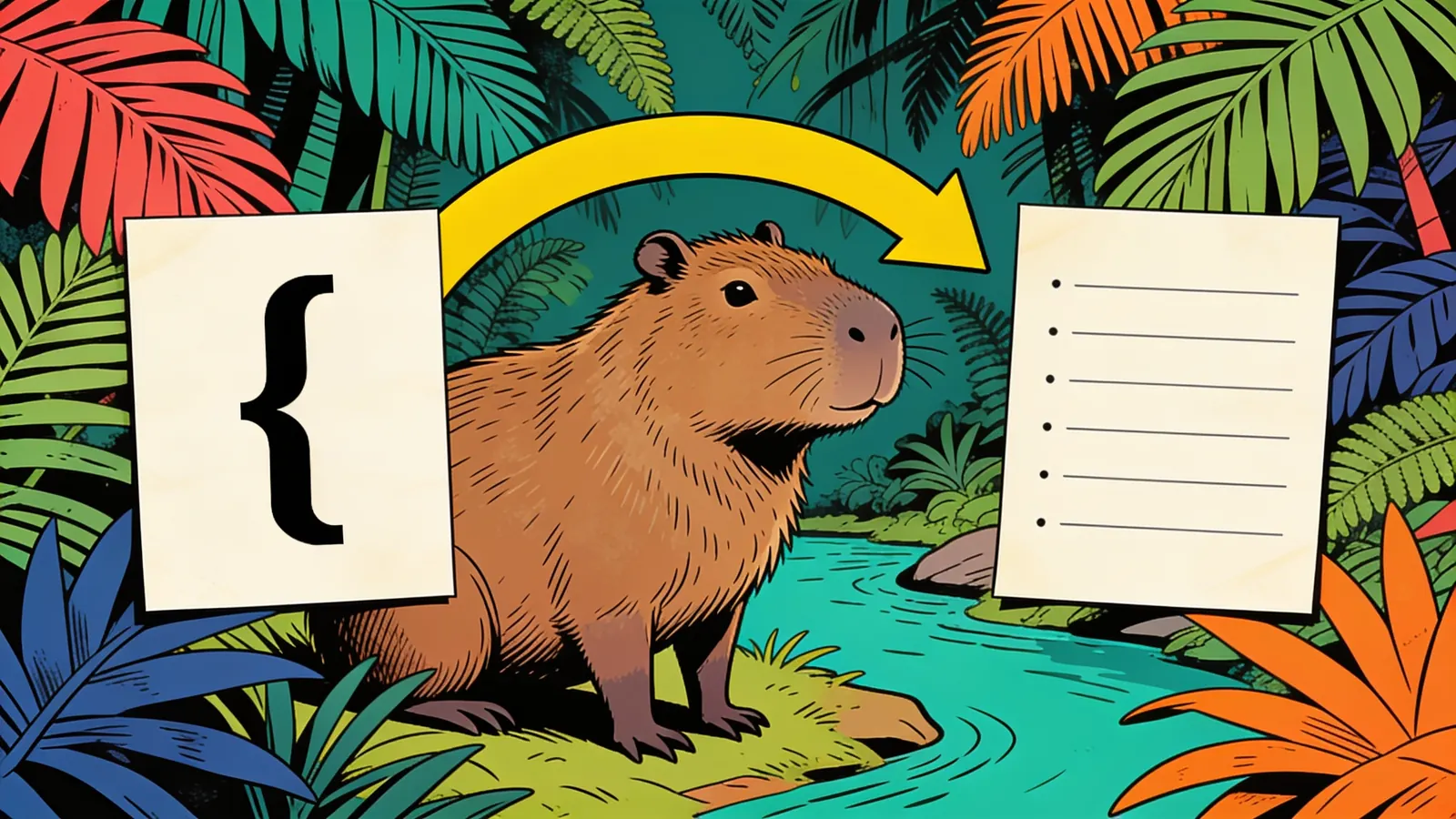
Ask for a formatted document, an indented outline, or a table if your data is a uniform array.

3

The tool builds the PDF

Your JSON is rendered into a clean, readable PDF — with optional title, date, or section headings.

4

Download and share

Download the print-ready PDF to send to anyone who doesn't want to read raw JSON.

Who is this for

Developers sharing data with non-devs

Turn an API response or export into a readable PDF for a client or teammate.

Analysts and ops teams

Render JSON records as a clean table PDF for a quick report or review.

Anyone archiving JSON

Save a JSON payload as a human-readable PDF for records or documentation.

Six prompt-engineering tips that move the needle

Small changes in how you write a prompt make the biggest difference in output.

01

Say table or document

Ask for a table if your data is a uniform array of objects; an outline for nested data.

02

Make sure the JSON is valid

Fix syntax errors like trailing commas before converting.

03

Add a title and date

Request a heading and date if the PDF is going to someone as a report.

04

Filter big datasets first

For large arrays, keep only the fields you need so the PDF stays readable.

05

Name the columns you want

For a table, list the fields to include and their order for a clean result.

06

Redact sensitive fields

Remove personal or secret values before generating a shareable PDF.

What to expect

For valid JSON, the tool produces a clean PDF in under a minute — a table when the data is a uniform array of objects, or a formatted outline when it's nested. Consistent, flat arrays give the best table results. Irregular or deeply nested data still converts but reads better as an outline than a table.

Example: A user pasted a JSON array of 20 orders (each with id, customer, and total) and asked for a PDF table. The tool returned a one-page PDF with a three-column table, one row per order, aligned headers, and the totals right-aligned — ready to print or email.

Good to know

  • The source must be valid JSON; syntax errors need fixing before conversion.
  • Deeply nested or irregular JSON renders as an outline rather than a clean table, since it doesn't map to rows and columns.
  • Very large datasets create long PDFs — filtering to the fields you need first gives a more readable result.

Frequently asked questions

What does a JSON to PDF converter do?

It takes JSON data and renders it into a PDF you can read, print, or share. Depending on the shape of your data, that can be a nicely formatted, indented document or a table with a column per field.

Can it turn a JSON array into a table?

Yes — if your JSON is an array of objects with consistent keys, it can be laid out as a table with one row per object and a column per field, which is much easier to read than raw JSON.

What if my JSON is deeply nested?

Deeply nested JSON is rendered as an indented, outline-style document rather than a flat table, since nested data doesn't fit neatly into rows and columns. You can ask for whichever layout suits your data.

Can I add a title or heading?

Yes — ask for a title, a date, or section headings, and they're added to the PDF. This is useful when the PDF is going to someone as a report rather than a raw data dump.

Does the JSON need to be valid?

Yes — the source must be valid JSON. If there's a syntax error like a trailing comma or an unquoted key, fix it first, or the conversion can't parse the data reliably.

Is my data private?

Your JSON is used only to build the PDF and isn't published. Avoid pasting sensitive values like tokens or personal data into any online tool, or redact them first.

What format and size do I get?

A standard, print-ready PDF. Large datasets produce longer PDFs; for very large arrays, consider filtering to the fields you need before converting for a cleaner result.

Ready to create?

Sign up free and put AI agents to work across your tasks, from quick jobs to complete end-to-end workflows, right in your browser, no setup needed.

Get started for free