Skill Creator
Guide for designing and building effective, well-structured Claude skills
Vetting scorecard
Each dimension is scored against its own maximum; together they sum to the overall grade (out of 100).
Input → output capabilities
| textcode | markdown | json | code |
|---|---|---|---|
| text | 3 | 1 | 2 |
| code | 2 | - | 2 |
| url | 1 | - | - |
Rows are accepted inputs, columns are produced outputs; each cell counts supported conversions.
Skill Creator guides you through designing and building effective Claude skills with systematic principles, patterns, and best practices. It teaches everything from architecture and prompt engineering to testing and documentation, so your skills are discoverable, maintainable, and reliable.
What Is This?
- Structured guidance for developing high-quality Claude skills that integrate into workflows
- Covers skill anatomy, prompt engineering, trigger definition, testing, and documentation standards
- Bridges the gap between basic prompts and professional, reusable skill systems
Why Use It?
- Eliminate trial-and-error through systematic development approaches
- Ensure consistency across skill libraries and team implementations
- Reduce debugging time with proper structure, testing, and error handling
- Improve discoverability so users find skills when they need them
How to Use It?
Define your skill's purpose and target users. Identify specific scenarios where it adds value. Write detailed instructions with examples of inputs and expected outputs. Define clear triggers for when the skill activates. Structure prompts with consistent formatting. Include error handling for edge cases. Document thoroughly with usage examples and limitations. Test across diverse scenarios. Iterate based on feedback.
For a code review skill: define specific review criteria, create structured output formats, include code examples, and establish triggers for different languages. For a social media skill: define tone guidelines, length constraints, hashtag strategies, and platform-specific rules, with examples and edge case handling.
When to Use It?
- Developing new Claude skills from scratch or improving existing ones with structural issues
- Establishing skill development standards and training developers across your team
- Building reusable skill libraries and patterns for organizational use
Important Notes
- Skill quality depends on your understanding of the domain and user needs
- Maintenance is required as Claude capabilities evolve
- Documentation is critical but time-intensive to maintain
Try It in Happycapy
- Open Happycapy in your browser—no installation or signup needed.
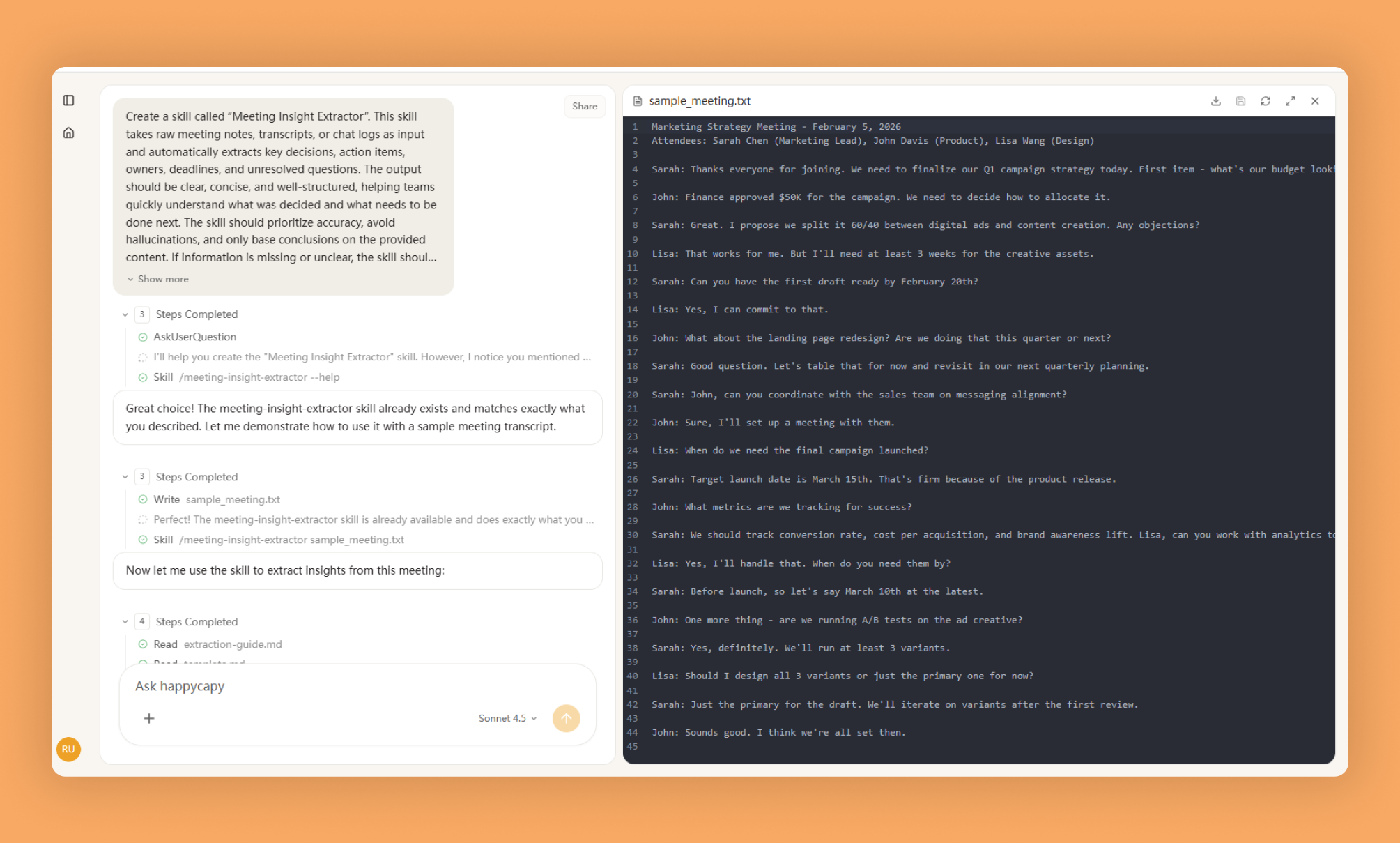
- Describe what you want to build in one sentence: "Create a skill that reviews Python code for performance issues and suggests optimizations."
- Follow the Skill Creator's guidance to structure your skill with clear criteria, examples, and error handling, then test it with sample code.
Frequently asked questions
How do I create a new Claude skill on Happycapy?+
The Skill Creator guide provides step-by-step instructions for designing and building effective Claude skills within the Happycapy platform. It covers the foundational structure and best practices needed to get started with skill development.
What makes a well-structured AI agent skill?+
A well-structured AI agent skill follows clear design patterns that include proper input/output definitions, error handling, and modular components. The Skill Creator resource outlines these architectural principles to ensure your skills perform reliably and integrate seamlessly with Happycapy.
Can I use the Skill Creator guide to improve my existing Happycapy skills?+
Yes, the Skill Creator guide serves as a comprehensive reference for both new and existing skills. You can use it to refactor and optimize your current Happycapy skills by applying the recommended design patterns and structural improvements.
What are the key components of an effective skill structure?+
An effective skill structure includes clear documentation, well-defined parameters, appropriate error handling, and logical workflow organization. The Skill Creator guide details how to implement each component so your AI agent skills function optimally within the Happycapy ecosystem.
Where can I find examples and templates for building skills?+
The Skill Creator guide is available on GitHub at the Anthropics skills repository, where you'll find templates, examples, and detailed documentation for building effective skills. This resource helps developers understand the complete lifecycle of skill creation for AI agents.
More Skills You Might Like
Explore similar skills to enhance your workflow
Get started with Skill Creator on Happycapy
Guide for designing and building effective, well-structured Claude skills. Skill Creator is a skill on Happycapy, the agent-native computer for building with AI — sign up free to add and run it, no local setup required.