Frontend Slides
Create stunning, animation-rich interactive HTML slide presentations
Vetting scorecard
Each dimension is scored against its own maximum; together they sum to the overall grade (out of 100).
Input → output capabilities
| pres | pptx | image | html | |
|---|---|---|---|---|
| text | - | 1 | - | 3 |
| markdown | - | - | - | 2 |
| docx | - | - | - | 1 |
| pptx | - | - | - | 3 |
| image | - | - | - | 1 |
Rows are accepted inputs, columns are produced outputs; each cell counts supported conversions.
Frontend Slides generates professional presentation decks for frontend development topics, complete with formatted code examples, architectural diagrams, and structured content—ready to present in minutes instead of hours.
What Is This?
- Automated slide deck generator for frontend topics (React, Vue, Angular, TypeScript, CSS, testing, performance, etc.)
- Creates slides with syntax-highlighted code, diagrams, comparison tables, and best practices
- Outputs to Markdown, Google Slides, PowerPoint, or PDF with consistent professional styling
Why Use It?
- Save hours of formatting work by generating complete presentations in minutes
- Present code clearly with syntax highlighting and proper indentation
- Explain architecture visually through diagrams and component hierarchies
- Organize content logically with structured flow covering concepts, examples, pitfalls, and best practices
How to Use It?
Specify your frontend topic and target audience. The skill generates a complete presentation.
Create slides explaining React hooks for intermediate developersGenerate presentation on TypeScript generics with examplesBuild slides comparing Vue Composition API vs Options APIFor architecture presentations:
Generate slides showing micro-frontend architecture patternsFor best practices:
Create presentation on React performance optimization techniquesWhen to Use It?
- Conference or meetup presentations where you need polished slides quickly
- Internal training sessions on frontend concepts or frameworks
- Teaching materials for courses or technical documentation
Important Notes
- Specify target audience expertise level and desired presentation length upfront
- Generated code examples are illustrative and may need adjustment for your context
- Review and customize slides after generation; add speaker notes before delivery
Try It in Happycapy
- Open Happycapy in your browser—no install or signup needed.
- Describe what you want in one sentence: "Create slides explaining CSS Grid layout with visual examples for beginners."
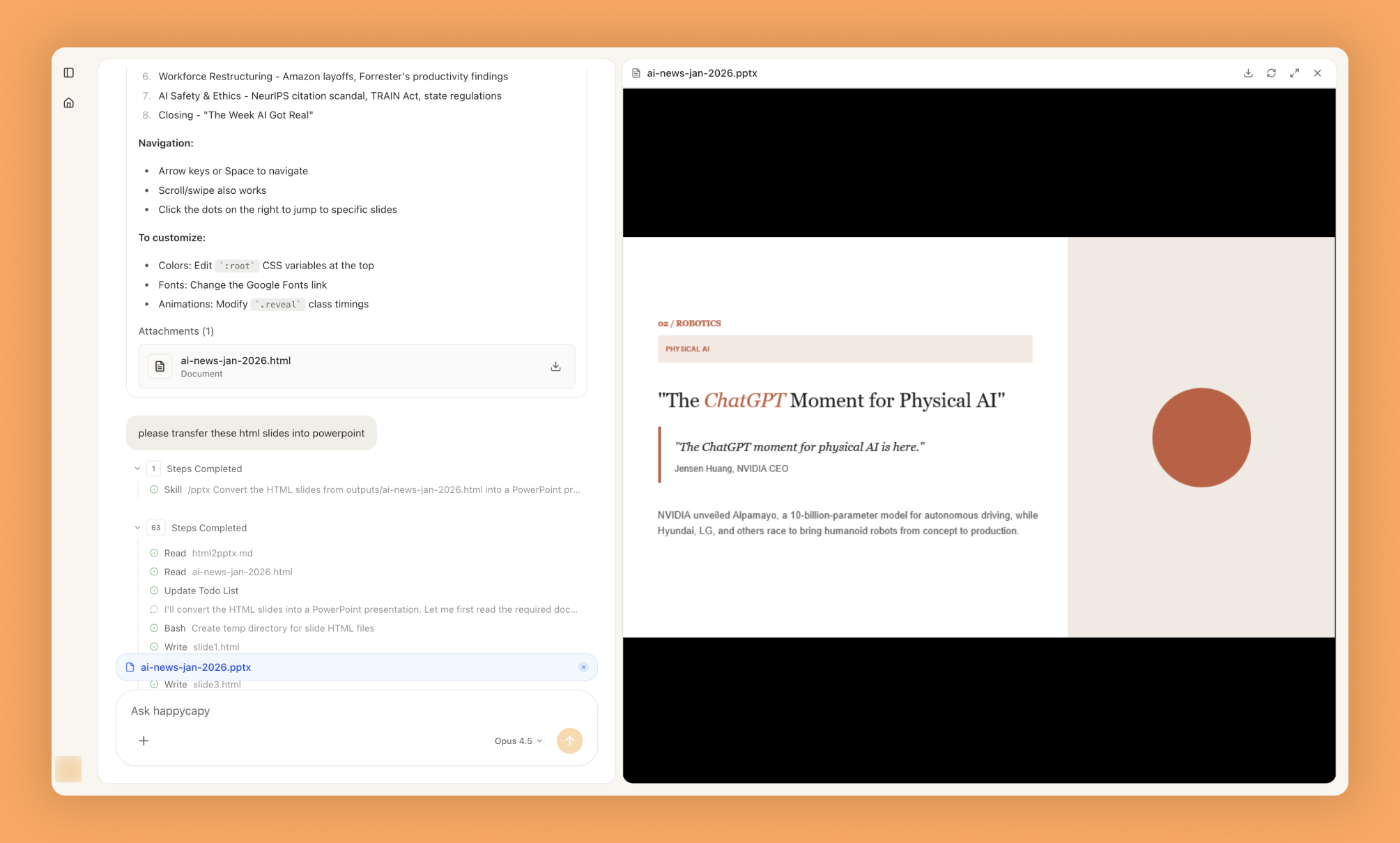
- Get your complete slide deck ready to download and present.
Frequently asked questions
What is Frontend Slides and how does it work?+
Frontend Slides is a Happycapy Skill that enables you to create stunning, animation-rich interactive HTML slide presentations. It allows you to build dynamic presentations with embedded animations and interactive elements directly in HTML format.
Can I use Frontend Slides with an AI agent?+
Yes, Frontend Slides integrates seamlessly with Happycapy's AI agent framework, allowing automated slide generation and presentation creation through intelligent automation. This enables AI agents to programmatically build and customize presentations based on data or user input.
What kind of animations can I add to my slides?+
Frontend Slides supports animation-rich presentations with various transition effects and interactive elements built into the HTML framework. You can create engaging visual experiences with custom animations tailored to your presentation needs.
How do I get started with Happycapy Frontend Slides?+
You can access the Frontend Slides skill from the Happycapy Skills repository on GitHub at the official source URL. The skill documentation provides setup instructions and examples for creating your first interactive HTML presentation.
Can an AI agent automate slide creation with Frontend Slides?+
Absolutely, an AI agent can leverage Frontend Slides to automatically generate and customize interactive presentations based on templates or dynamic content. This makes it ideal for automated reporting, data visualization, and content generation workflows within Happycapy.
More Skills You Might Like
Explore similar skills to enhance your workflow
Get started with Frontend Slides on Happycapy
Create stunning, animation-rich interactive HTML slide presentations. Frontend Slides is a skill on Happycapy, the agent-native computer for building with AI — sign up free to add and run it, no local setup required.