How to Connect Happycapy to iMessage: A Full AI Agent in Apple Messages
BlueBubbles + Happycapy's capy-bridge: the same stack Hermes Agent uses, now available as a one-click skill.
Apple has never released an iMessage API. Not in 2015. Not in 2020. Not today. For years, building an AI agent that lives in your iMessages required either a jailbreak, a $200/month enterprise plan, or a deep understanding of undocumented protocols. In June 2026, a free, open-source path finally works reliably, and it is the same architecture the 188,000-star Hermes Agent project ships in production.
Why iMessage Is the Hardest Platform (And Why That Matters)
Most messaging platforms have an API. Telegram published theirs in 2015. Slack has had webhooks since day one. WhatsApp opened its Business API in 2018. iMessage has had none of these, and that is not an oversight.
Apple's iMessage protocol uses end-to-end encryption tied directly to Apple IDs and device-specific keys. Those keys are generated on Apple hardware and never leave it. Every message is encrypted and decrypted on a physical Apple device. There is no server-side API because there is no server that holds the decrypted content. This is a hard cryptographic constraint, not a policy choice Apple could reverse with a press release.
The practical consequence: no Linux process, no Docker container, no cloud VM can natively send or receive iMessages. Not with root access. Not with a valid Apple ID. The protocol simply does not work outside of Apple hardware.
For AI agent developers, this means iMessage integration always requires a Mac in the loop. That is the honest answer, and it shapes everything else in this article.
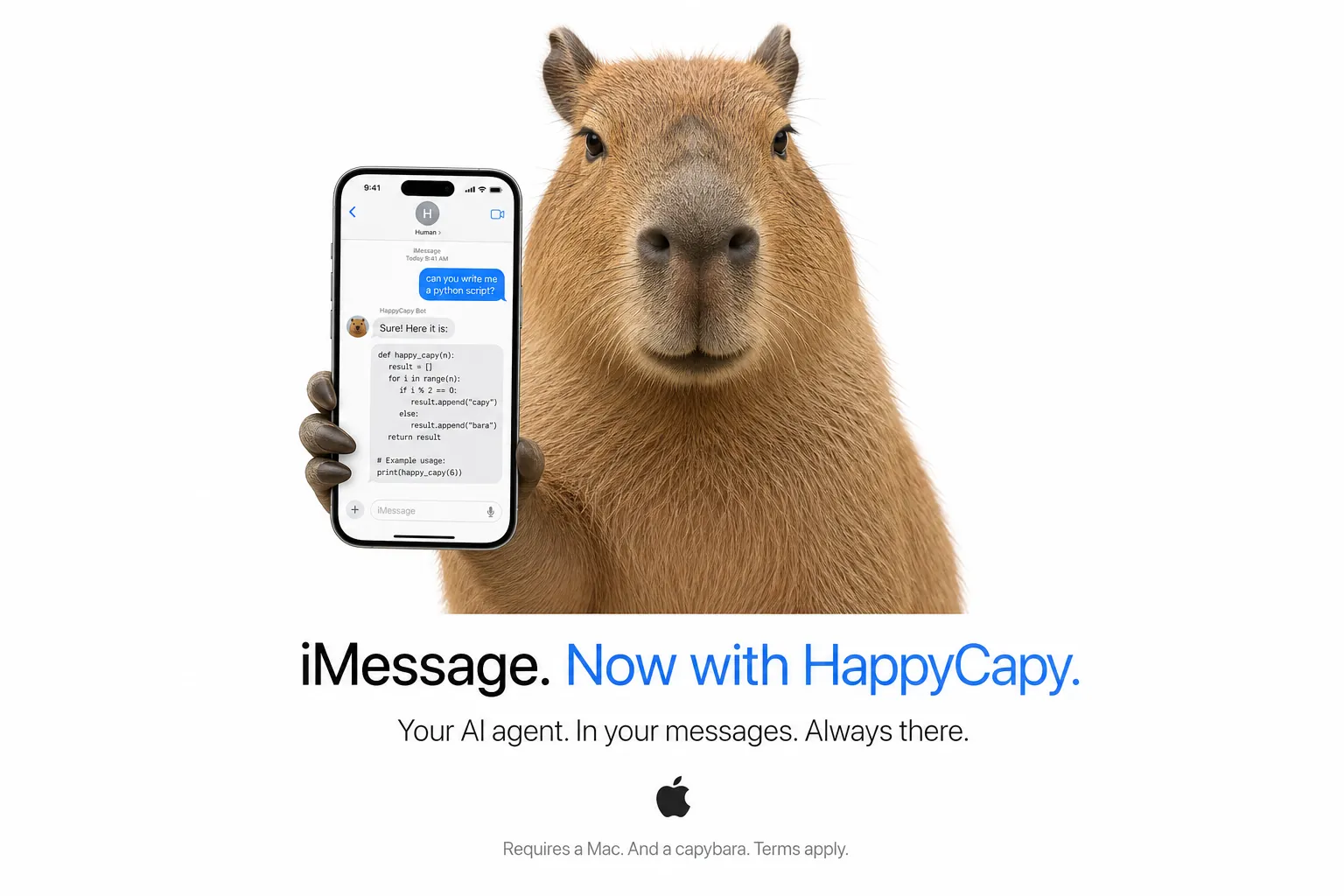
The flip side is also true: for Apple users, this architecture means the bot lives inside Messages.app itself. No third-party app to install. No new account to create. The AI responds through the same interface your family and colleagues already use. When your contacts message you, they are not aware anything changed, they see replies from your Apple ID, formatted as native iMessages, with read receipts.
That combination (zero friction for the recipient, cryptographically private, on the platform Apple users already trust) is why iMessage is worth the added complexity.
How It Actually Works
The free, open-source solution is BlueBubbles. It is an MIT-licensed Mac server application that runs on your Mac, registers with your Apple ID, and exposes a local REST API. BlueBubbles acts as a bridge between the iMessage protocol (which requires macOS) and any external service that can make HTTP requests.
Happycapy's capy-bridge connects to that REST API. When a message arrives at your Apple ID, here is the exact sequence:
| Step | What Happens |
|---|---|
| 1. iMessage received | Apple delivers the message to your Mac via the standard iMessage protocol |
| 2. BlueBubbles intercepts | The BlueBubbles server on your Mac reads the incoming message |
| 3. Webhook POST | BlueBubbles POSTs the message payload to Happycapy's capy-bridge endpoint |
| 4. Bridge processes | capy-bridge parses the sender, message text, and conversation history |
5. claude --print | The bridge spawns Claude Code CLI with full tool access |
| 6. Claude executes | Claude runs tools: bash, web search, file ops, any installed Skill |
| 7. Response sent | The reply is sent back through BlueBubbles' REST API to the original iMessage thread |
| 8. iMessage delivered | The recipient sees a reply in their Messages.app within seconds |
This is the same architecture Hermes Agent uses. The Hermes Agent project (188,000 GitHub stars, built by Nous Research) routes its iMessage integration through BlueBubbles in its production configuration. The architecture has been stress-tested at scale.
The key detail in step 5 is claude --print. Happycapy does not send your message to a chatbot that responds with text. It runs Claude Code CLI, which has full tool access: bash execution, file read/write, web search, image generation, and access to Happycapy's 300,000+ Skills library. The bot does not just answer. It acts.
What You Can Do
Once the bridge is running, every iMessage to your Apple ID becomes a command interface for your Happycapy sandbox:
- Execute tasks remotely: send a task from your iPhone, get back a fully executed result with output
- Request files: ask for a PDF report, a generated image, or a script, and receive it
- Search and summarize: ask the agent to search the web and return a structured summary
- Trigger 300,000+ Skills: every Skill in Happycapy's library is accessible from Messages.app
- Run bash on your sandbox:
run ls /var/logexecutes on your Happycapy Linux environment and returns the output - Per-contact history: each Apple ID or phone number gets its own conversation thread; context carries across messages
- Works from any Apple device: iPhone, iPad, Mac, Apple Watch. Anything that sends iMessages reaches the bot
Pros
- Native Apple experience: replies appear in the standard Messages.app thread; recipients need nothing installed
- No third-party app on the recipient's device: the bot communicates through the existing iMessage infrastructure
- Works with any Apple ID: any contact who can iMessage you can interact with the bot
- End-to-end encryption: BlueBubbles does not break Apple's encryption; it reads messages after they are decrypted on your Mac
- Free and open-source: BlueBubbles is MIT-licensed; there are no subscription fees
- Hermes-validated architecture: the same stack that powers a 188,000-star production agent project
- Full agent capability:
claude --printgives the bot bash access, web search, file operations, and 300,000+ Skills
Real Use Cases
Developer on iPhone. You are away from your laptop and need to check whether a cron job ran, tail a log file, or restart a service on your Happycapy sandbox. You send the command from Messages.app on your iPhone. The bridge runs it, returns the output as a reply. No SSH client, no VPN, no context switching.
Apple-only household. Your partner, parents, or roommates all use iMessages and nothing else. Instead of asking them to install Telegram or learn a new interface, you point the bot at your existing Apple ID. Everyone interacts through the app already on their device.
Business owner with iMessage clients. You communicate with clients over iMessage: it is what they use, and switching them to another platform is not realistic. With the bridge running, you can ask the agent to summarize a long thread, draft a reply in your voice, look up a client's order history, or pull a report. The AI stays in the channel where the relationship already lives.
Researcher with a Mac. You keep a Mac running on your desk. You want an AI agent that is always accessible: from your iPhone during a commute, from your iPad in a meeting, from a colleague's Mac in an emergency. iMessage is already synced across every Apple device you own. The bot inherits that reach automatically.
The Mac Requirement: Honest Assessment
The setup requires a Mac with BlueBubbles installed and running, connected to Happycapy via capy-bridge. The Mac must be awake and online for the bridge to work. If it sleeps, the bot goes offline.
This is a real constraint. If you do not own a Mac, or if your Mac is a laptop you carry around and close regularly, iMessage is the wrong channel for you. Happycapy's Telegram and Slack integrations work on fully Linux-native infrastructure with no hardware dependency.
For people already running a Mac that stays on (a Mac Mini under the TV, a Mac Studio in a home office, an older MacBook plugged in on a shelf), the setup is one-time and then entirely automatic. BlueBubbles starts at login. The capy-bridge daemon starts at login. The Mac keeps running, and so does the bot.
If you are considering dedicated hardware for this purpose, the 2026 Mac Mini M4 base model ($799) is the most practical option. It uses roughly 6 to 10 watts at idle, supports 24/7 operation without fan noise, and fits in a space smaller than a paperback book. For a full breakdown of Mac Mini AI server setups, see Mac Mini as an AI Server in 2026.
How to Set It Up
The full setup takes approximately 10 minutes:
- Download BlueBubbles at bluebubbles.app (free, MIT-licensed, open-source)
- Run the setup wizard: sign in with your Apple ID and grant Accessibility + Full Disk Access permissions
- Note your BlueBubbles URL and password from the BlueBubbles settings screen
- Install capy-bridge: run
bash /app/export-port.sh 8766in Happycapy to get your webhook URL, then run the/happycapy-imessageskill in Happycapy - Complete the Happycapy wizard: paste your BlueBubbles URL, password, and webhook URL; the bridge registers automatically
- Test: send an iMessage from another device; you should receive a reply in seconds
The full skill documentation and source code are at github.com/ndpvt-web/happycapy-imessage.
Frequently Asked Questions
Do I need to keep my Mac on all the time? Yes, for 24/7 availability. The Mac must be awake and online for BlueBubbles and the capy-bridge to receive incoming messages. If you want the bot available around the clock, use hardware that can stay on: a Mac Mini or Mac Studio is ideal. Enable "Prevent display sleep" in BlueBubbles settings and disable sleep in macOS Energy Saver (Power Adapter mode).
Does this work with SMS too, or only iMessage? BlueBubbles supports both iMessage (blue bubbles) and SMS (green bubbles) if your Mac has an iPhone connected and Personal Hotspot is configured to enable SMS forwarding. For most setups, iMessage-only is simpler and more reliable.
Can Apple see my messages through BlueBubbles? No. BlueBubbles does not break Apple's end-to-end encryption. Messages are decrypted by macOS on your local machine, as they always are, and then BlueBubbles reads them from that local decrypted state. Apple's servers never see plaintext content, the same as using Messages.app normally.
Is BlueBubbles free? Yes. BlueBubbles is MIT-licensed and free to use. There are no subscription fees. The Mac server app, the source code, and the documentation are all publicly available at bluebubbles.app.
What happens if my Mac goes to sleep?
The bridge goes offline. Messages sent while the Mac sleeps are not processed and are not retroactively answered when the Mac wakes up. To prevent this: enable "Prevent display sleep" in BlueBubbles, disable system sleep in macOS Energy Saver for Power Adapter use, or run caffeinate -di & in a terminal. For always-on setups, desktop Macs (Mini, Studio, Pro) are preferable to laptops.
Can multiple people message the bot from different Apple IDs? Yes. The bridge stores separate conversation history per sender handle. Each Apple ID or phone number gets its own context window. You can configure an allowlist (specific handles only) or leave it open to all incoming iMessages.
Does this violate Apple's terms of service? BlueBubbles is a grey area: Apple has not explicitly approved third-party iMessage bridges, but it has also not taken action against BlueBubbles in the four-plus years it has been in operation. The project reads messages from your own Mac, under your own Apple ID, in the same way any process with Full Disk Access could. Using it for your own automation, not for commercial bulk messaging or spamming, is consistent with how tens of thousands of developers use it. The Hermes Agent project ships BlueBubbles integration in its default configuration as of 2026.
Final Thoughts
Of the four messaging channels Happycapy supports (Telegram, Slack, WhatsApp, and iMessage), iMessage is the most technically demanding to set up. It requires a Mac, a running BlueBubbles server, and a persistent connection between your hardware and your Happycapy sandbox. That is more moving parts than the others.
For Apple users who already live in that ecosystem, it is also the most seamless result: a full AI agent that responds through the Messages app your contacts use every day, with no new apps to install and no new accounts to create. The architecture is proven (the same stack behind 188,000 stars on Hermes Agent), and Happycapy wraps it in a one-click skill.
If you have a Mac that stays on, the setup is worth the 10 minutes.